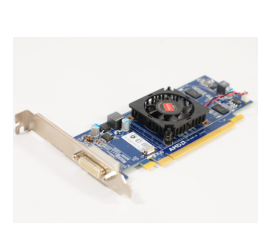
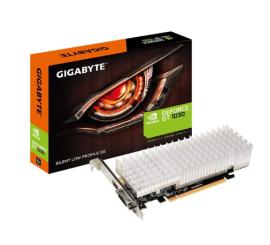
What graphics card do I have?
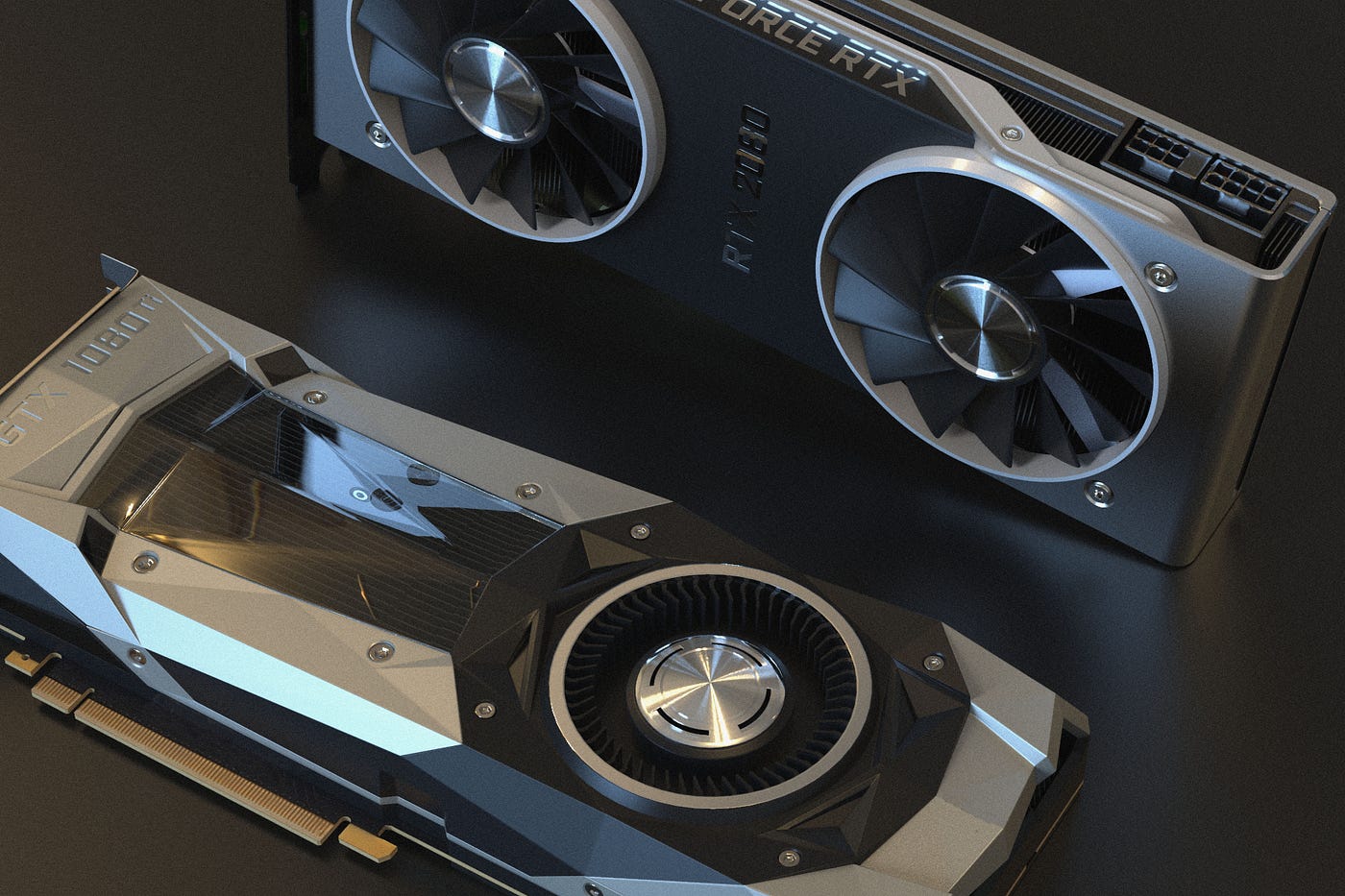
How do I find out which video card is in my PC?
Are you wondering: what graphics card do I have or what kind of video card do I have? This is crucial information when you want to upgrade your PC or buy a new video card. Determining the right GPU is essential to improve your computer's performance, especially when gaming or performing graphically intensive tasks. Fortunately, it's easy to find out which video card is in your PC, so you know if it's suitable for the latest games or programs.
Buy Refurbished Desktop
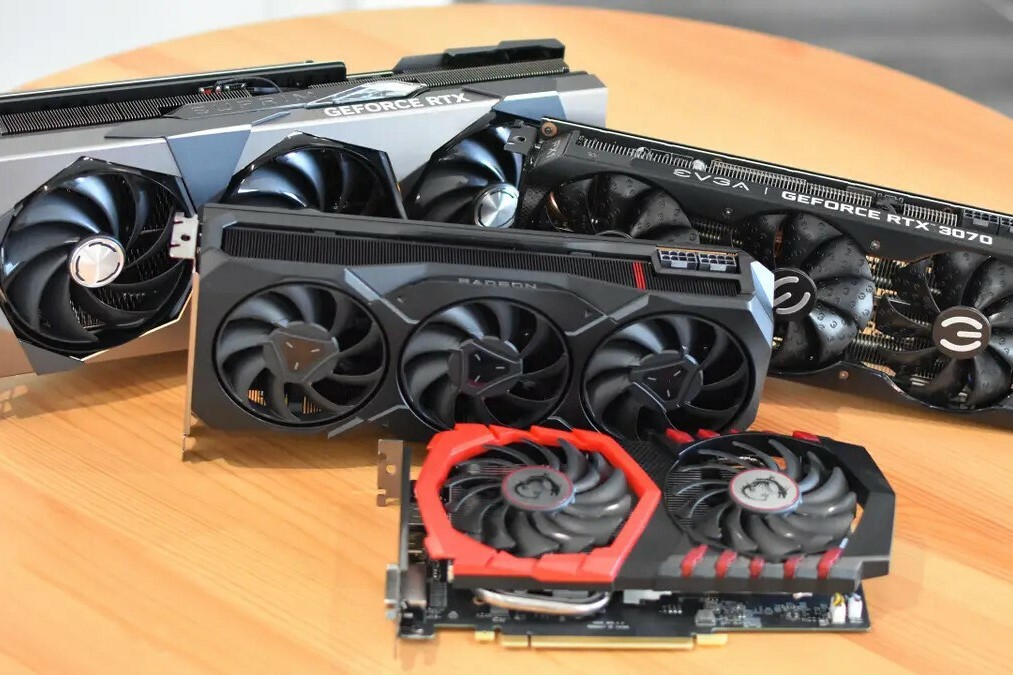
Step-by-step plan: How to find out which video card you have
1. Right-click on 'This PC' and select 'Properties'.
2. Select 'Device Manager'.
3. Under the category 'Display adapters' you will see exactly which video card is in your system. Whether you have an NVIDIA or AMD video card, this process works for every video card.
With these simple steps you will quickly answer the question: "What graphics card do I have?"
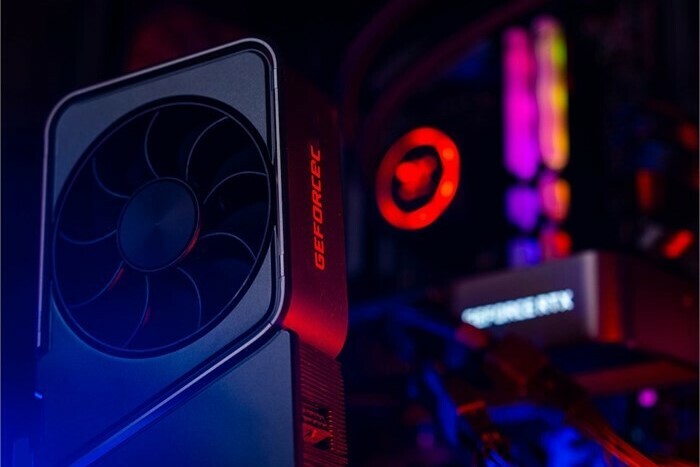
Is my video card in my PC good enough?
Now that you know what kind of video card you have, you may be wondering if it's powerful enough for what you need. For heavy graphic editing, gaming or video editing, it's crucial to have a strong GPU. If you're considering buying a new video card PC or even a whole new desktop, it helps to compare the specifications of your current video card with the latest models on the market. With us you can easily buy a new video card PC that suits your needs.
Refurbished Video Cards


Buy a video card for your PC?