My computer is slow.
Update Your Computer
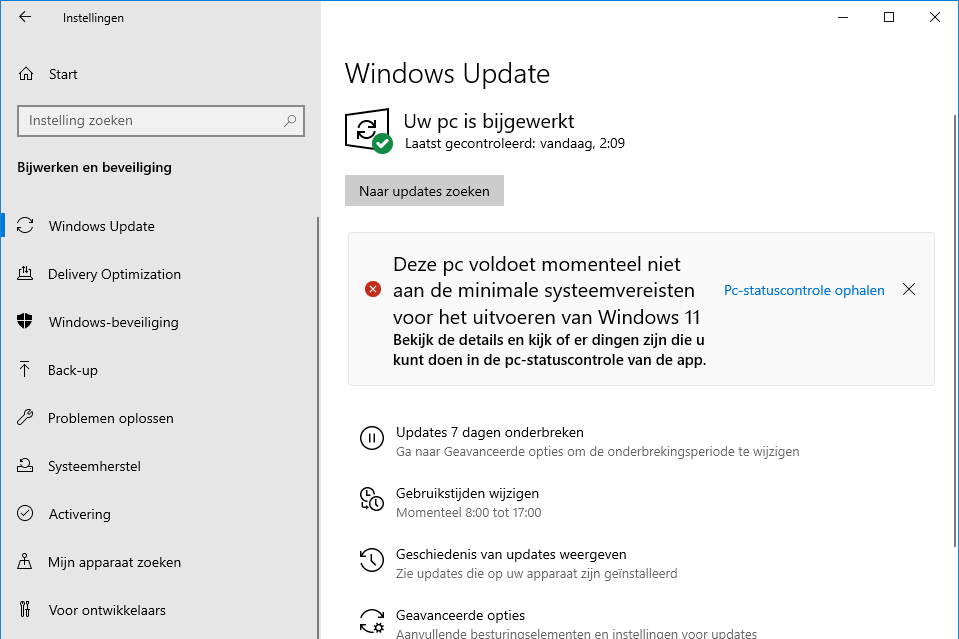
One of the first things you can do if your computer is slow is to update your operating system. Windows 10 and Windows 11 regularly receive updates that not only add new features but also fix bugs and security issues that can slow down your PC. Go to your PC's settings and check for available updates. Updating your computer can significantly improve performance and ensure that your PC starts up faster.
Buy a Desktop
Update your browser
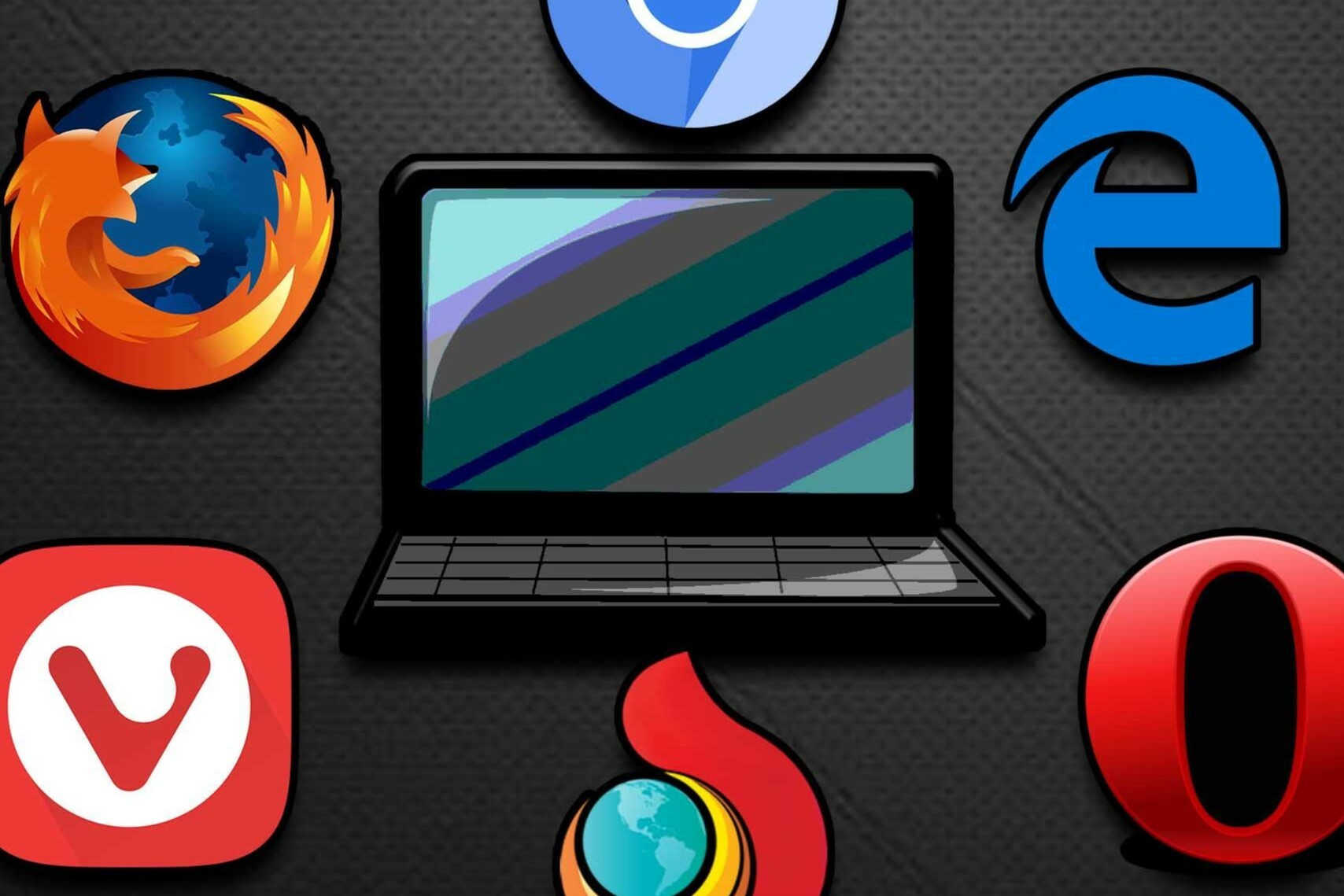
Another common cause of a slow computer is an outdated browser. Whether you use Google Chrome, Firefox, or Edge, a slow browser can negatively impact the overall speed of your system. Make sure your browser is always up-to-date, as updates often include performance improvements and bug fixes. In addition, closing unused tabs or removing unwanted extensions can improve your computer's performance.
Remove unused apps and files
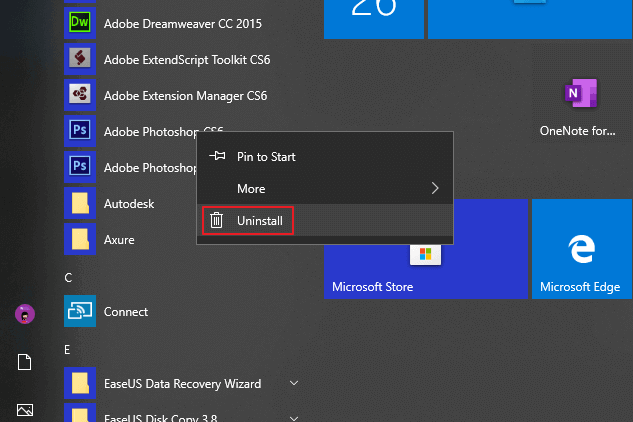
If your PC is slow, it can help to remove unnecessary programs and files. Programs you no longer use can take up unnecessary space and slow down your computer's performance. Go to the control panel or Windows settings and remove any apps you no longer use. Cleaning up unused files and programs ensures that your computer starts up faster and performs better. Also ensure there is sufficient free disk space to prevent your PC from becoming overloaded.


Buy a Refurbished Computer
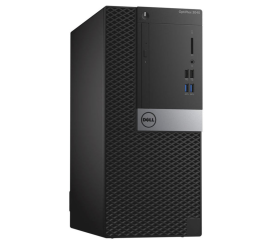
Dell OptiPlex 3040 Micro Tower
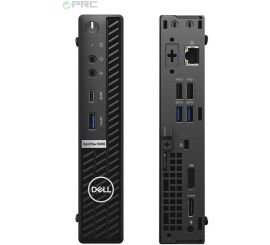
Dell OptiPlex 5080 USFF
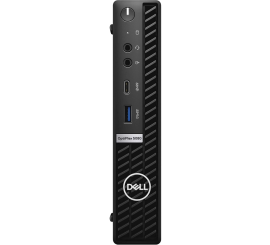
Dell OptiPlex 5080 USFF