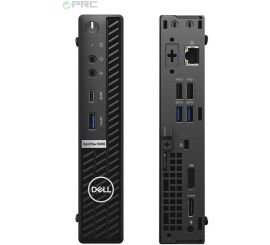
How do I replace my computer background?

How do you change the background on a PC?
Changing your computer's background is easy and can be done in a few steps. In Windows, right-click on an empty part of your desktop and select "Personalize". Then, in the "Background" menu, choose a new image or a solid color. You can also upload your own photo as a background. On macOS, go to "System Preferences" and select "Desktop & Screen Saver" to adjust the background.
Buy Refurbished PC
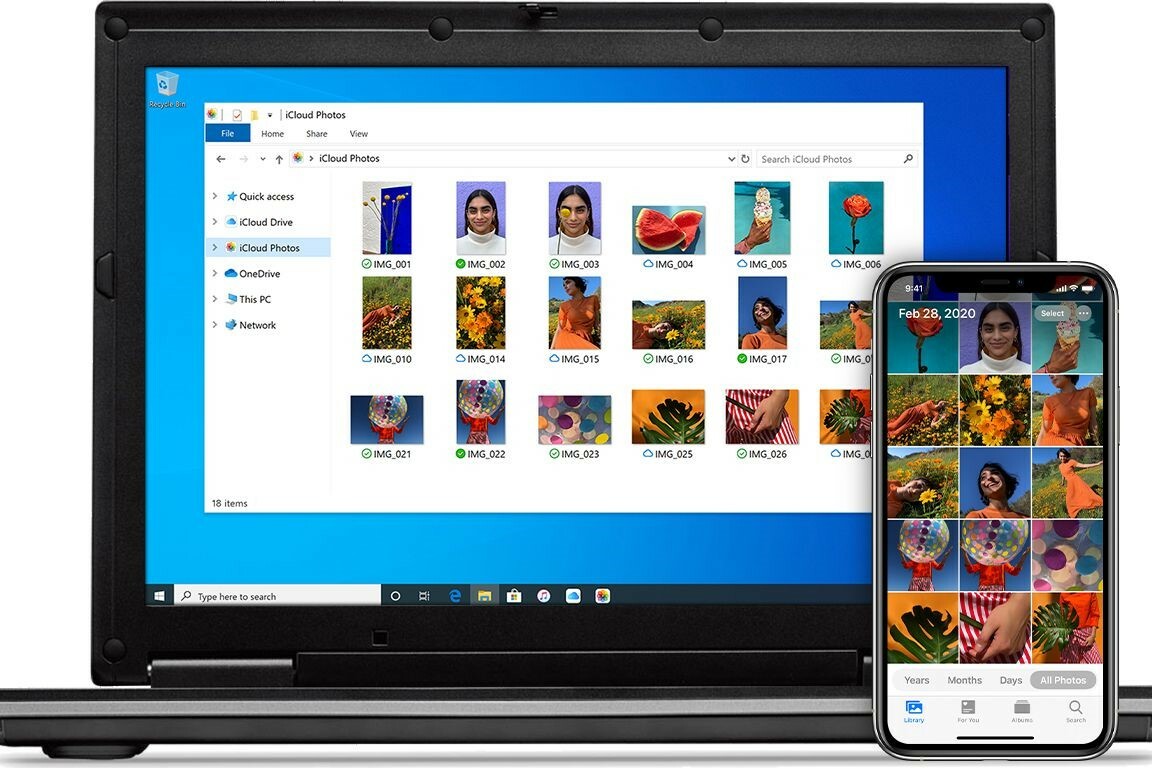
Useful tips for customizing your background
When choosing a background, it's helpful to pay attention to the image resolution. Choose a high-resolution image that matches your computer's screen size to prevent the background from becoming blurry. Many websites offer free high-resolution backgrounds suitable for any screen size. You can also set dynamic backgrounds that change throughout the day, depending on the time or location, for a more dynamic experience.
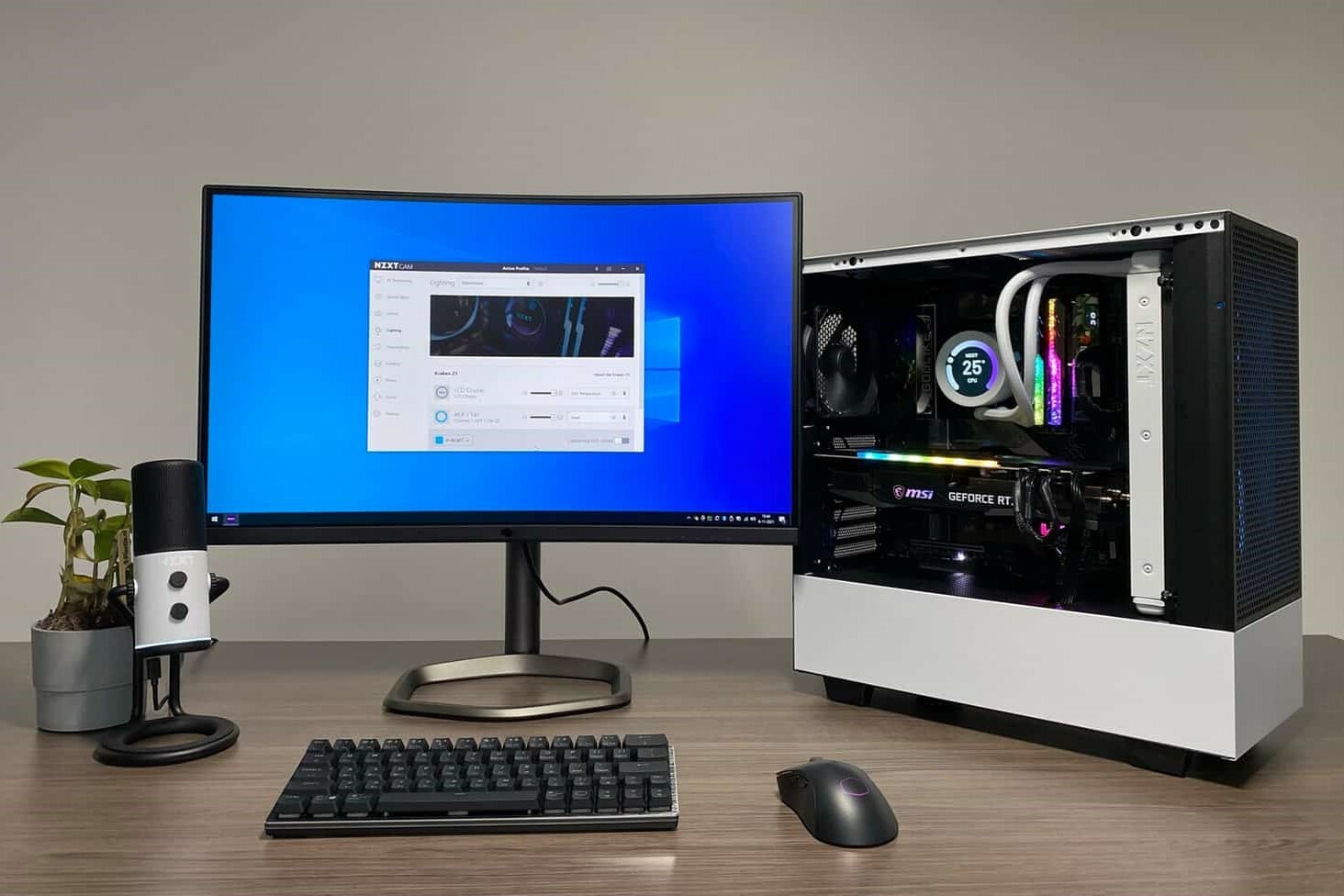
How do you remove a background on your computer?
If you want to remove the current background and set a solid color, you can easily do so in your computer's settings. Go to the background settings, as described above, and choose a solid color from the options. This is especially useful if you want a calmer workspace without distractions. In Windows, under "Background," choose "Solid color" and select your desired color.
Desktop Advice


Buy a PC
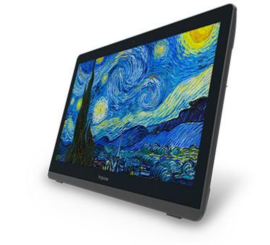
ProWise PW.1.34002.0001 All-in-one
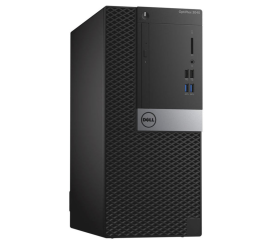
Dell OptiPlex 3040 Micro Tower
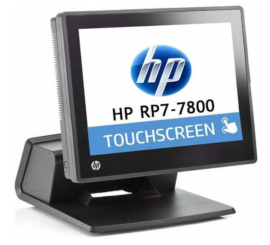
HP RP7 Retail System Model 7800 All-in-one