How can I clean my computer?
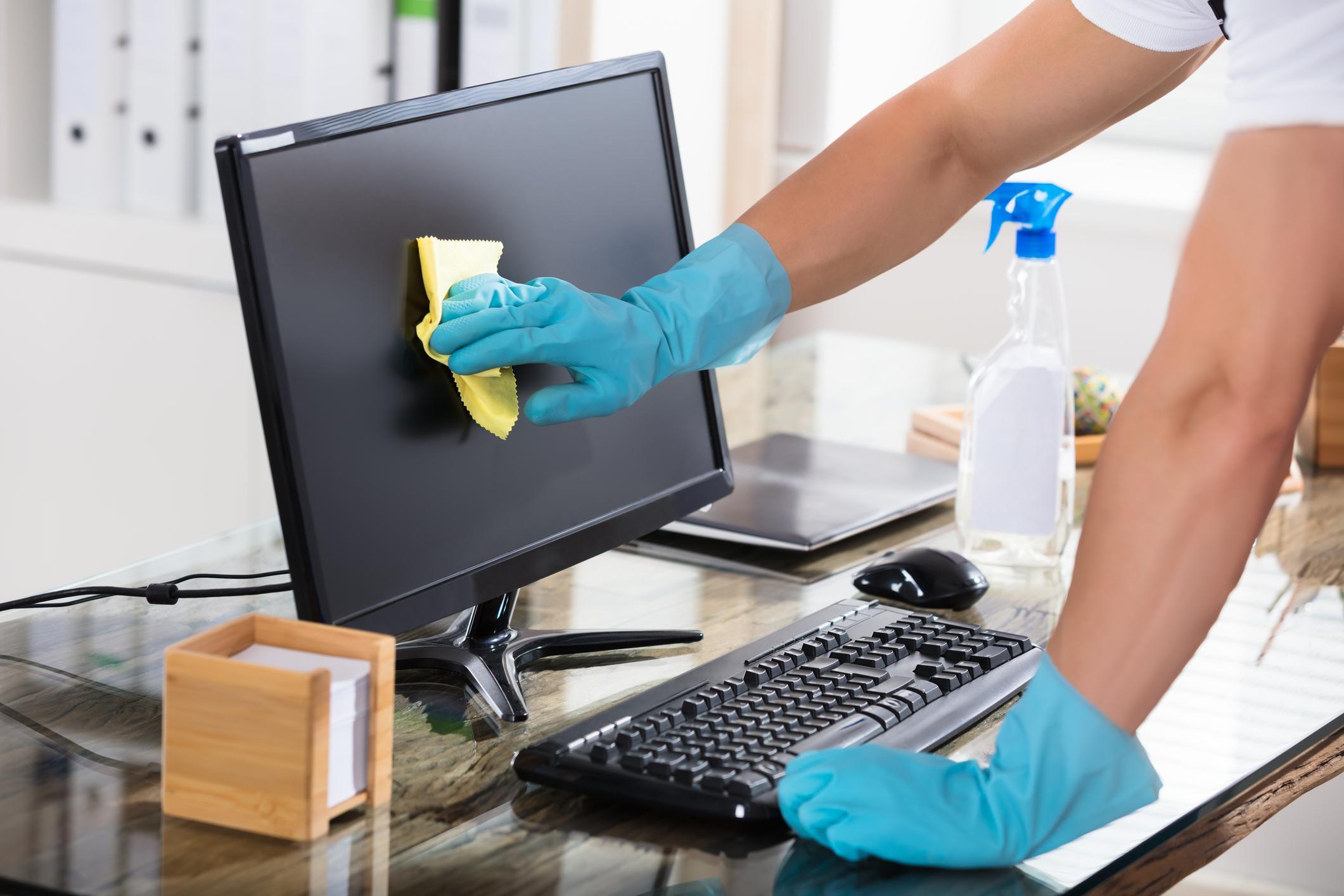
Why is it important to clean your computer?
Regularly cleaning your computer is essential to ensure it continues to run smoothly. Over time, temporary files, unwanted programs, and other excess data can slow down your system. By cleaning your computer, you can improve performance and ensure that your device responds faster. This is especially important if you notice that your computer is slow. Cleaning also helps optimize your hard drive and prevents wasting disk space on unnecessary files.
Refurbished PCs

Steps for cleaning a slow computer
If your computer has become slow, you can easily clean it by following a few steps:
- Uninstall unwanted programs: Open the control panel and uninstall programs you no longer use. This helps free up space and speed up your computer.
- Empty your recycle bin: Remember to regularly empty your recycle bin, as this can also take up space on your hard drive.
- Disk cleanup: Use the built-in tool in Windows, such as Disk Cleanup in Windows 11, to remove temporary files and system files.
- Manage startup programs: Open Task Manager and disable programs that automatically start when your computer starts up. This can significantly speed up your PC's boot time.
- Run antivirus software: Make sure your antivirus software is up-to-date and regularly run a full scan to keep your computer virus and malware free.
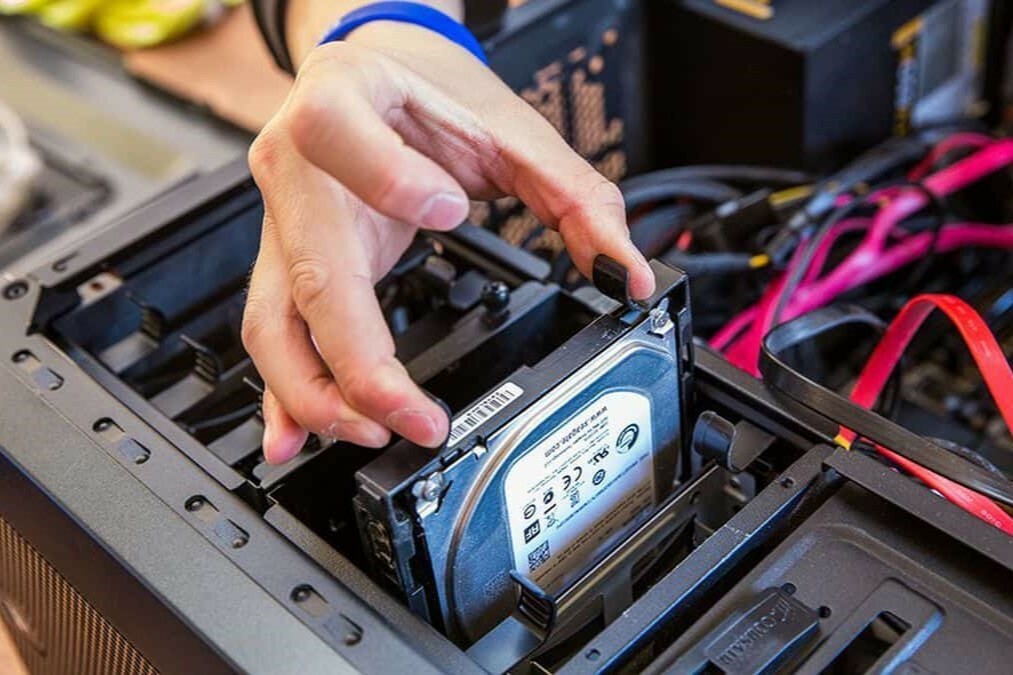
How do you keep your computer clean and safe?
To ensure your computer remains fast in the long term, it's important to adopt a few good habits. Regular cleaning helps, but you can also use software that automatically keeps your computer clean. Furthermore, it's important to keep your operating system, such as Windows 11, up-to-date and regularly install security updates. Also, make sure you don't download unknown software and regularly back up important files to prevent loss.
Buy a Computer


Still need a new (refurbished) computer?
ProWise PW.1.34002.0001 All-in-one
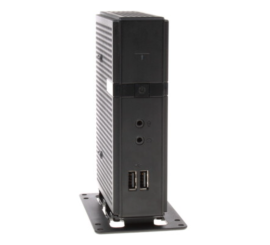
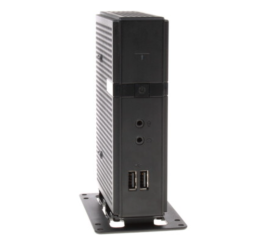
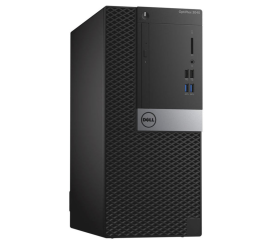
Dell OptiPlex 3040 Micro Tower
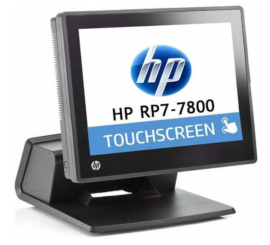
HP RP7 Retail System Model 7800 All-in-one