My computer is frozen: what now?
Step 1: Program freezing up?
Often, the cause of a freezing PC is a single program that is no longer responding. First try to force close the program with Alt + F4. If this doesn't work and the computer keeps freezing, you can use Ctrl + Alt + Del to open Task Manager and close the frozen program. Doesn't Ctrl + Alt + Del work? Then try restarting the computer. If the problem persists, consider buying a different refurbished PC from remarkt.
Buy Desktop

Step 2: Check for viruses
Often, the cause of a freezing PC is a single program that is no longer responding. First try to force close the program with Alt + F4. If this doesn't work and the computer keeps freezing, you can use Ctrl + Alt + Del to open Task Manager and close the frozen program. Doesn't Ctrl + Alt + Del work? Then try restarting the computer. If the problem persists, consider buying a different refurbished PC from remarkt.
Step 3: Check PC hardware
Sometimes a PC freeze is the result of hardware problems. If your computer keeps freezing after checking the software, it's time to check the hardware. Things like overheating, faulty RAM, or a defective hard drive can cause your PC to freeze. If your current computer frequently fails, it may be wise to consider a reliable refurbished PC. At remarkt you can easily buy a high-quality refurbished PC that works like new and helps you finish your work without problems.
Buy Parts


Buy a Refurbished PC?
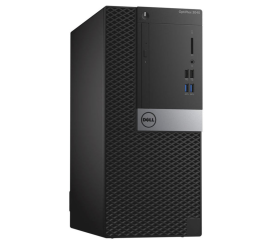
Dell OptiPlex 3040 Micro Tower
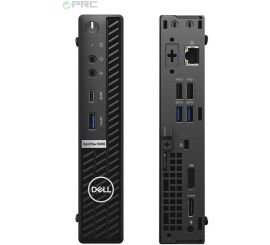
Dell OptiPlex 5080 USFF
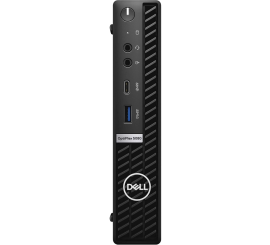
Dell OptiPlex 5080 USFF
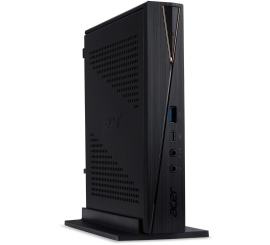
Acer Revo RN86 USFF
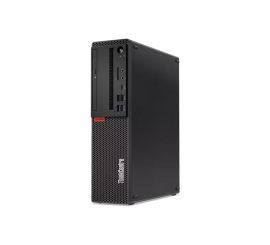
Lenovo ThinkCentre M720s SFF