Computer won't start.
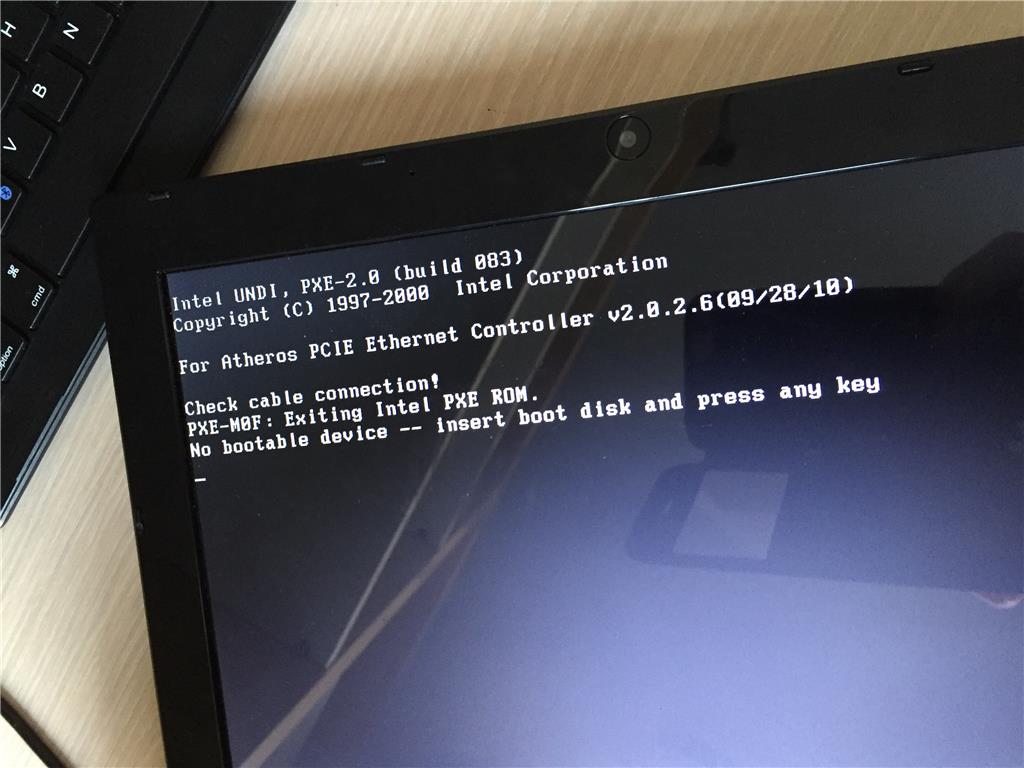
Why won't my computer boot?
If your computer won't start, there could be several reasons. Whether it's a hardware problem or a software issue, it's important to investigate step-by-step what's going on. Sometimes the PC won't turn on at all, while in other cases Windows won't start or hangs during startup. Problems such as a faulty power supply, a loose cable, or a damaged operating system can prevent your PC from starting. Let's look at some steps to help you find the cause.
Buy a Refurbished Desktop?
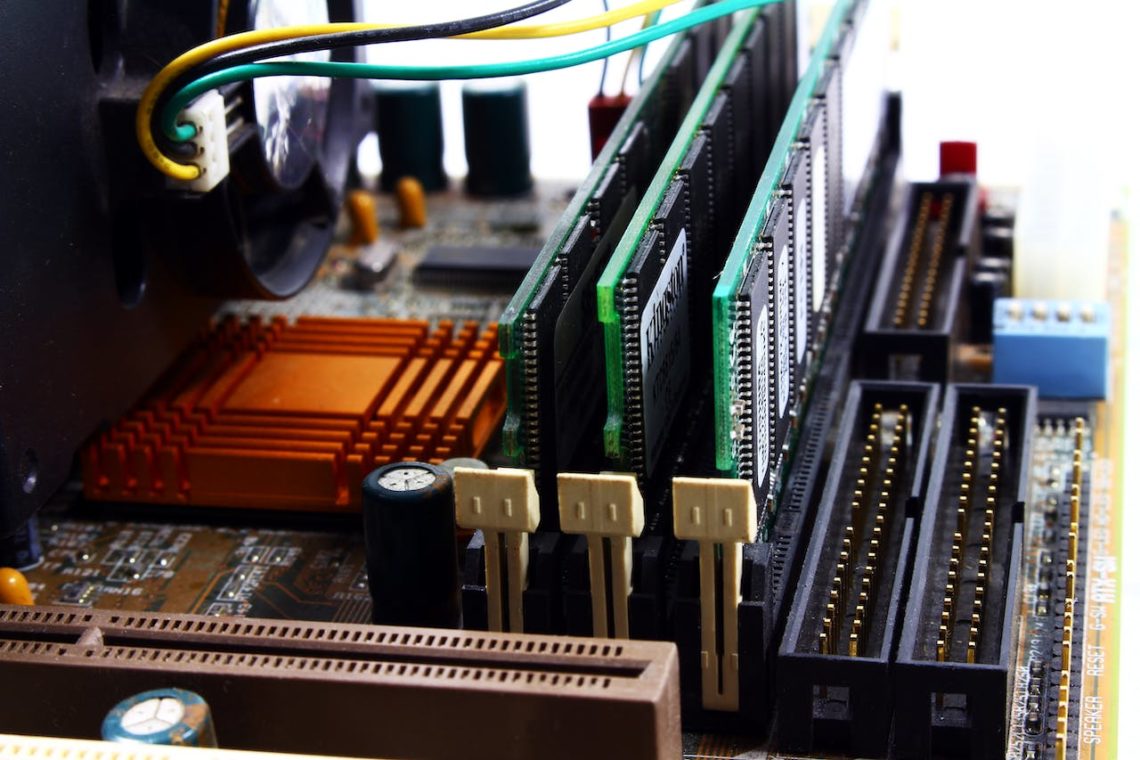
Tip: Check the motherboard light and/or fans
When your PC doesn't start, it's a good idea to first check if the hardware is functioning. Check if the motherboard light is on and if the power supply and processor fans are running. If these components are not working, this may indicate a problem with the power supply or the motherboard itself. Make sure all power cables are properly connected and try a different power outlet or cable to see if this solves the problem. If the computer still won't turn on, there may be a faulty power supply.

Other possible solutions:
If your PC does turn on, but Windows doesn't start, there may be a problem with the operating system. Try restarting the PC in safe mode by pressing F8 during startup. In safe mode, you can try to undo recent changes or restore the PC to an earlier state. If this method doesn't work and your computer still won't start, it may help to reinstall Windows or check the hard drive for errors. It may also be helpful to disconnect external devices such as USB sticks or external hard drives, as these can sometimes interfere with the startup procedure.
View all our desktop advice


Buy Refurbished Computers
HP EliteDesk 800 G6 Tower - RTX 5060
HP EliteDesk 800 G6 Tower - RTX 5060
HP EliteDesk 800 G6 Tower - RTX 5060
HP EliteDesk 800 G6 Tower - RTX 5060
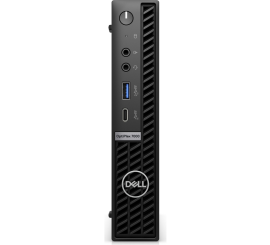
Dell OptiPlex 7000 USFF