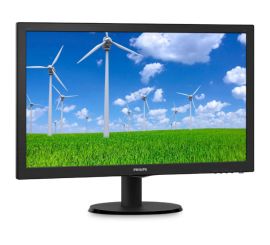
Which monitor cable do I need?
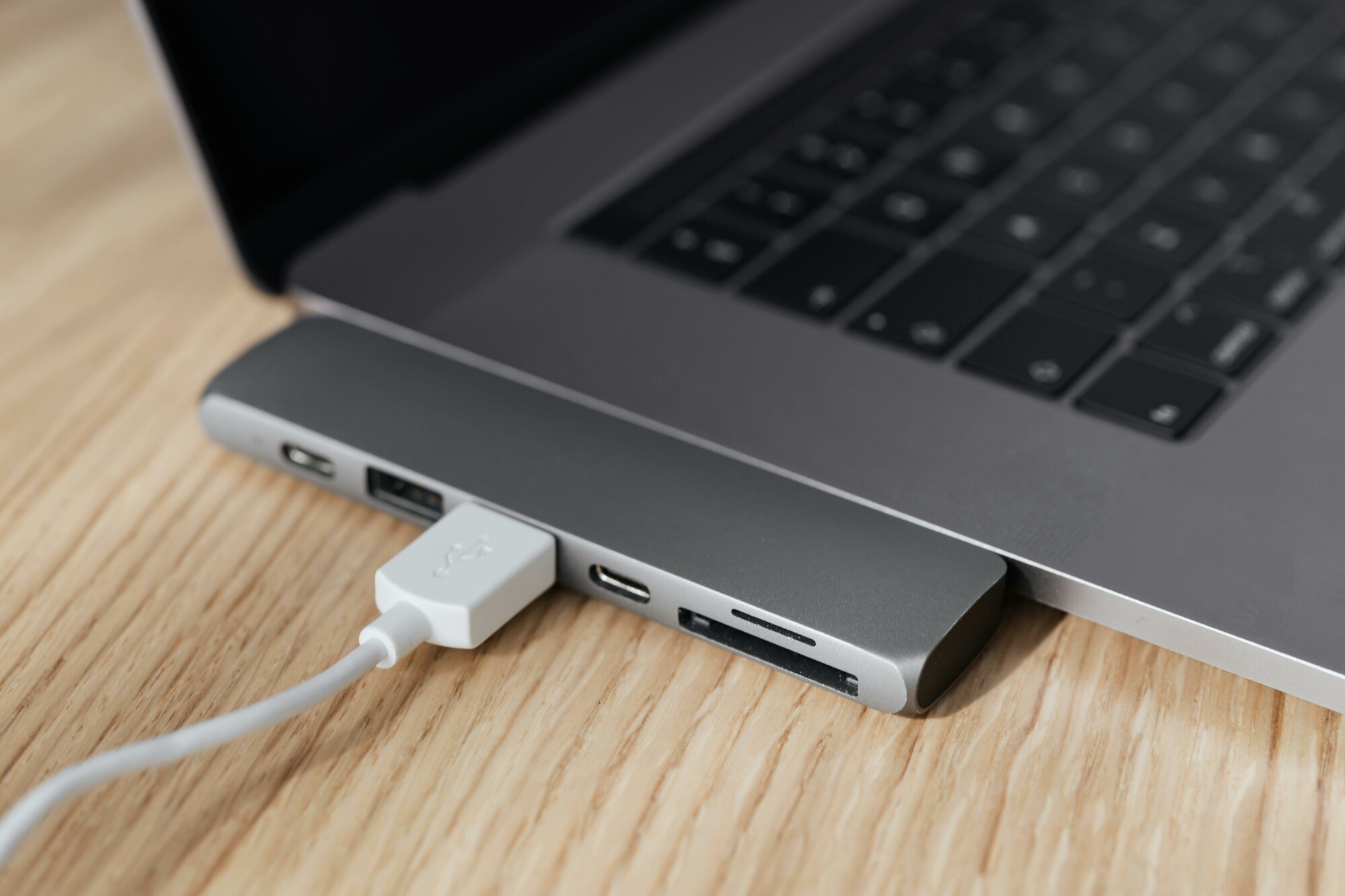
Which monitor cable is right for your monitor?
Choosing the right monitor cable depends on your monitor and connected device. Modern monitors usually support HDMI, DisplayPort, or USB-C, while older models may still use VGA. When buying a monitor, it's important to check which connections your monitor and device support. For maximum image quality and performance, preferably choose an HDMI 2.1 cable, USB-C monitor cable, or DisplayPort cable.
Refurbished monitor
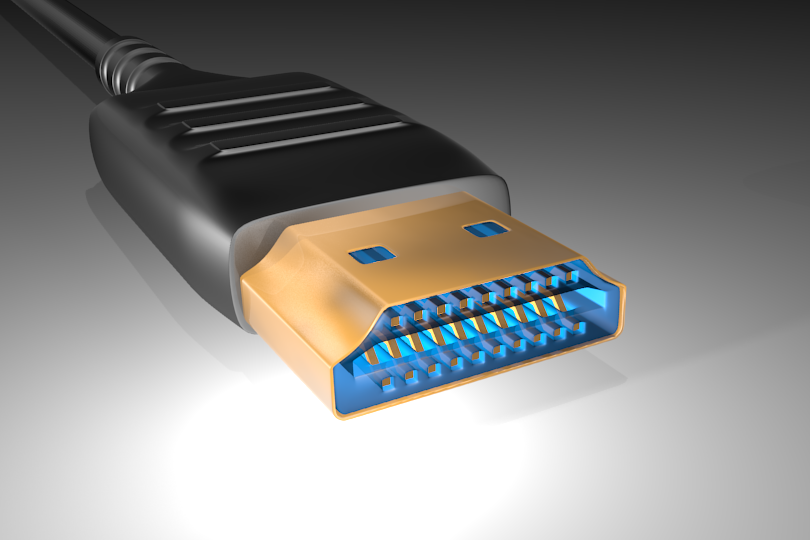
What are the differences between HDMI and DisplayPort?
HDMI cables are versatile and suitable for both image and sound, making them ideal for TVs, game consoles, and monitors. HDMI 2.1 cables support higher resolutions and refresh rates, perfect for gaming and 4K monitors. DisplayPort cables offer comparable performance but are particularly popular with PC monitors due to their higher bandwidth and support for multiple screens. Both options are suitable for modern monitors, depending on your specific needs.
Monitors with HDMI
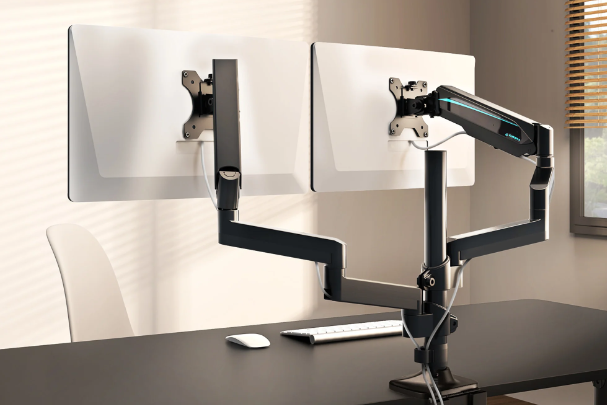
Why choose a USB-C monitor cable?
A USB-C monitor cable offers versatility by transmitting both image, sound, and power over a single cable. This makes USB-C ideal for modern laptops and monitors that combine power supply and video signal. In addition, a USB-C cable supports high resolutions and refresh rates, ensuring a sharp image on your monitor. Whether you use a new or refurbished monitor, a USB-C monitor cable is a future-proof choice.
Monitor Advice


Monitor with HDMI connection
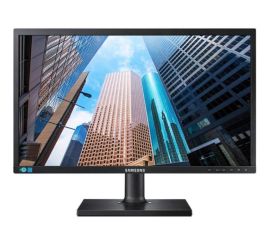
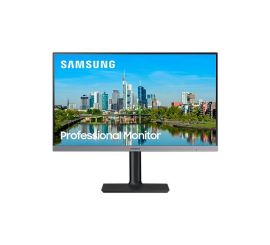
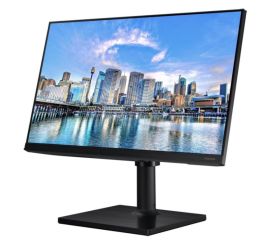
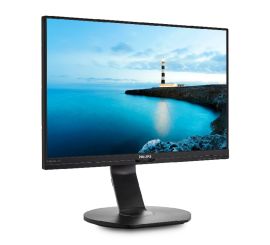
Philips Brilliance 240B7QPJEB - 24 inch