What should I look out for when buying a monitor mount?
What makes a good monitor mount?
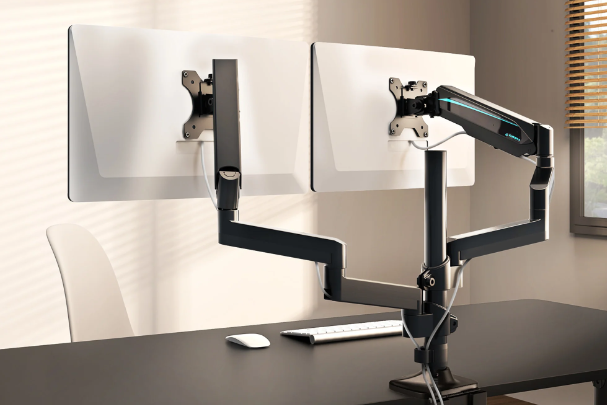
A good monitor mount should be sturdy and durable, with sufficient load-bearing capacity to safely support your monitor. Ensure the mount is compatible with your monitor's VESA mounting standard so you can attach it without problems. The mount should also be easily adjustable so you can easily set the monitor to the correct height and angle for optimal work comfort. For more flexibility, there are mounts with rotatable, tiltable or swivelling arms that can fully adjust the monitor's position.
Which monitor mount is suitable for your setup?
Which monitor mount is suitable for your setup?
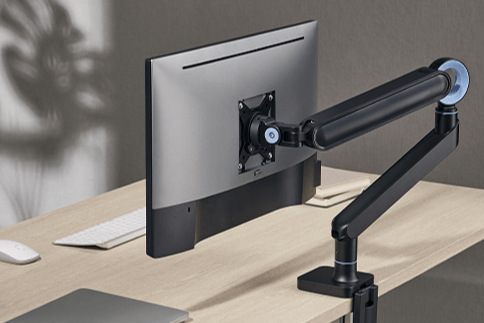
The choice of monitor mount depends on your workplace and the number of screens you want to mount. For a single monitor, a simple mount that attaches to the wall or desk is often sufficient. If you use two screens, you can opt for a dual monitor mount, allowing you to position both monitors at the same height and distance. For those who want to keep their desk clear, a wall-mounted monitor mount is ideal. Also pay attention to the dimensions and weight of your monitor to ensure the mount is sturdy enough for your setup.
Refurbished monitors
How do you install a monitor mount?
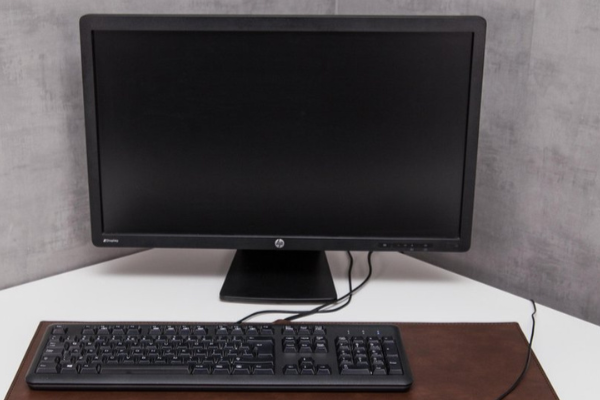
Installing a monitor mount is relatively simple, but it's important to start by following the included instructions. First, attach the mount to your desk or wall, depending on the type of mount you've chosen. Make sure the mount is securely fastened before mounting your monitor. If your monitor has a VESA standard, use the screws to attach the monitor to the mount. Then adjust the height, angle and distance of the monitor until you have found the correct viewing position. This ensures an ergonomic working posture and reduces strain on your neck and back.


Buy Monitors
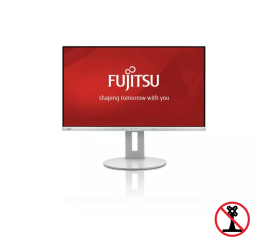
Fujitsu B27-9 TS FHD - 27 inch