USB-C display not working.
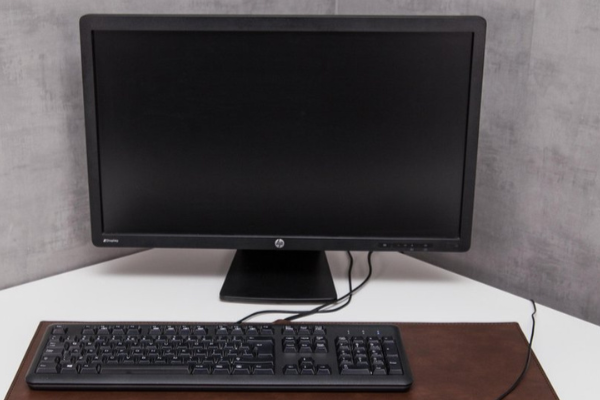
What to do when your USB-C monitor doesn't work?
If your USB-C monitor isn't working, start by checking the basic connections. Make sure the USB-C cable is firmly connected to both your laptop and your monitor. Not every USB-C port supports video output, so check if your USB-C port supports DisplayPort Alt Mode. If possible, try a different USB-C cable or a different device to rule out a cable problem.
Buy a refurbished monitor
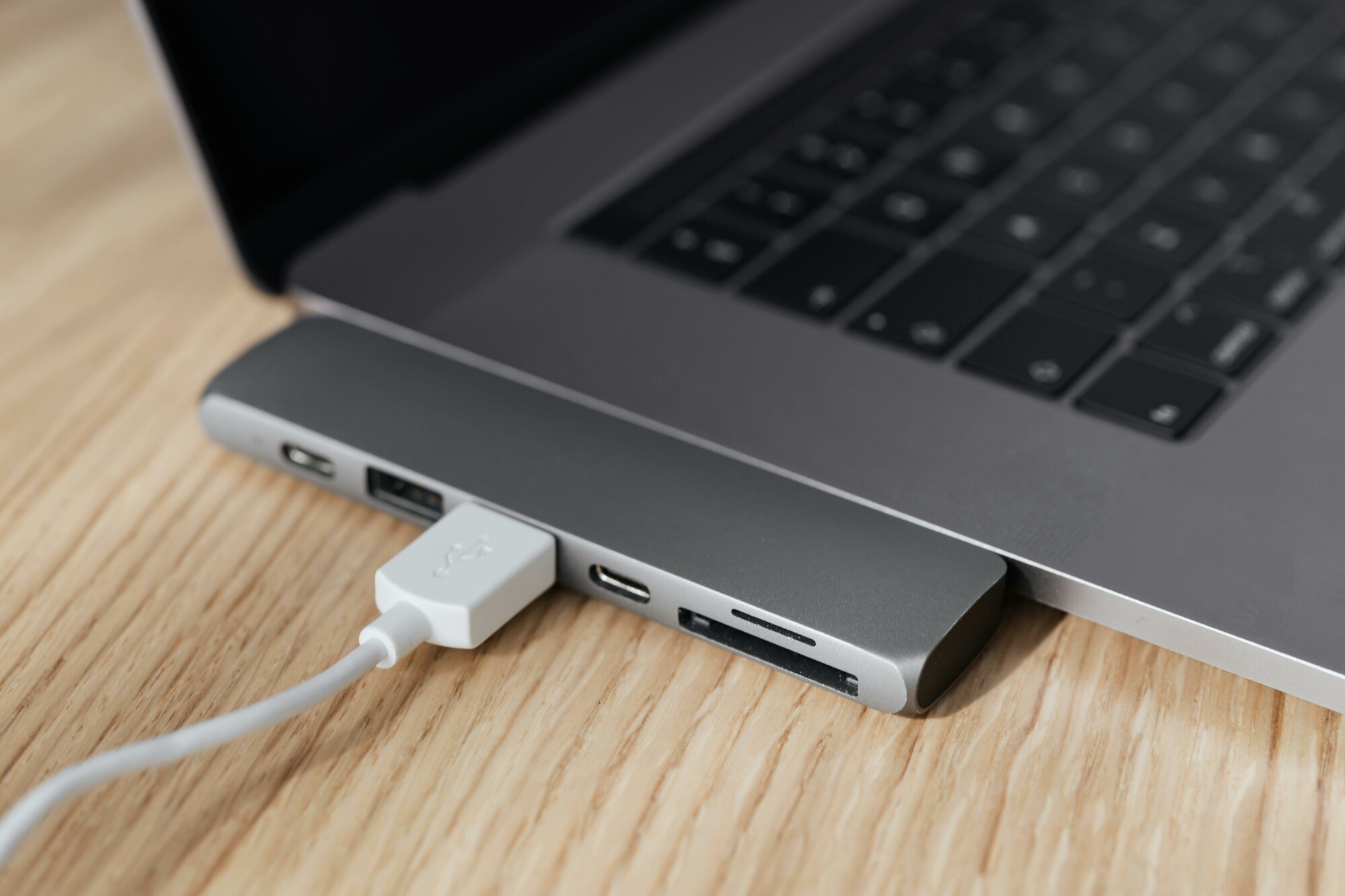
How to solve USB-C compatibility issues?
USB-C compatibility issues can have various causes. Here are some steps to solve the problem:
- Check the specifications of your USB-C port: Not all USB-C ports support video output (DisplayPort Alt Mode).
- Use a suitable USB-C cable: Not all USB-C cables support video transfer.
- Update your drivers: Make sure your graphics drivers and laptop firmware are up-to-date.
- Check the settings on your monitor: Make sure the correct input is selected (USB-C as source).
- Try a different USB-C port: Some devices have multiple USB-C ports with different functionalities.
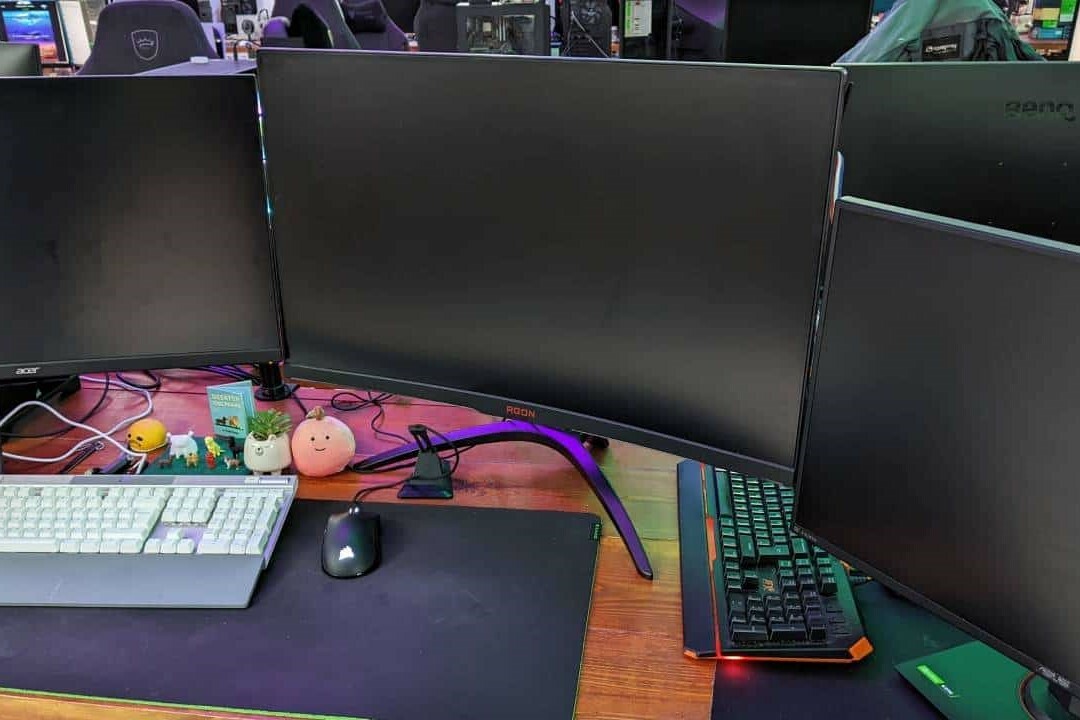
Which settings should you check when experiencing USB-C problems?
When experiencing problems with a USB-C monitor, you can check the following settings:
- Windows: Go to 'Display settings' via the desktop and check if your monitor is recognized.
- macOS: Go to 'System Preferences' â 'Displays' and check the connected devices.
- BIOS/UEFI settings: Some laptops have options to enable or disable USB-C video output.
- Monitor settings: Use the physical buttons on the monitor to select the correct source (USB-C).
If the problem persists, try a different USB-C cable or consider a new or refurbished monitor that is specifically compatible with your device. Make sure your devices and cables meet the correct USB-C standards for video transfer.
Monitor Advice


Refurbished Monitor
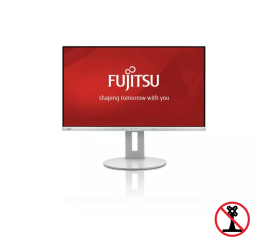
Fujitsu B27-9 TS FHD - 27 inch