How can I split an ultrawide monitor screen into 2 screens?
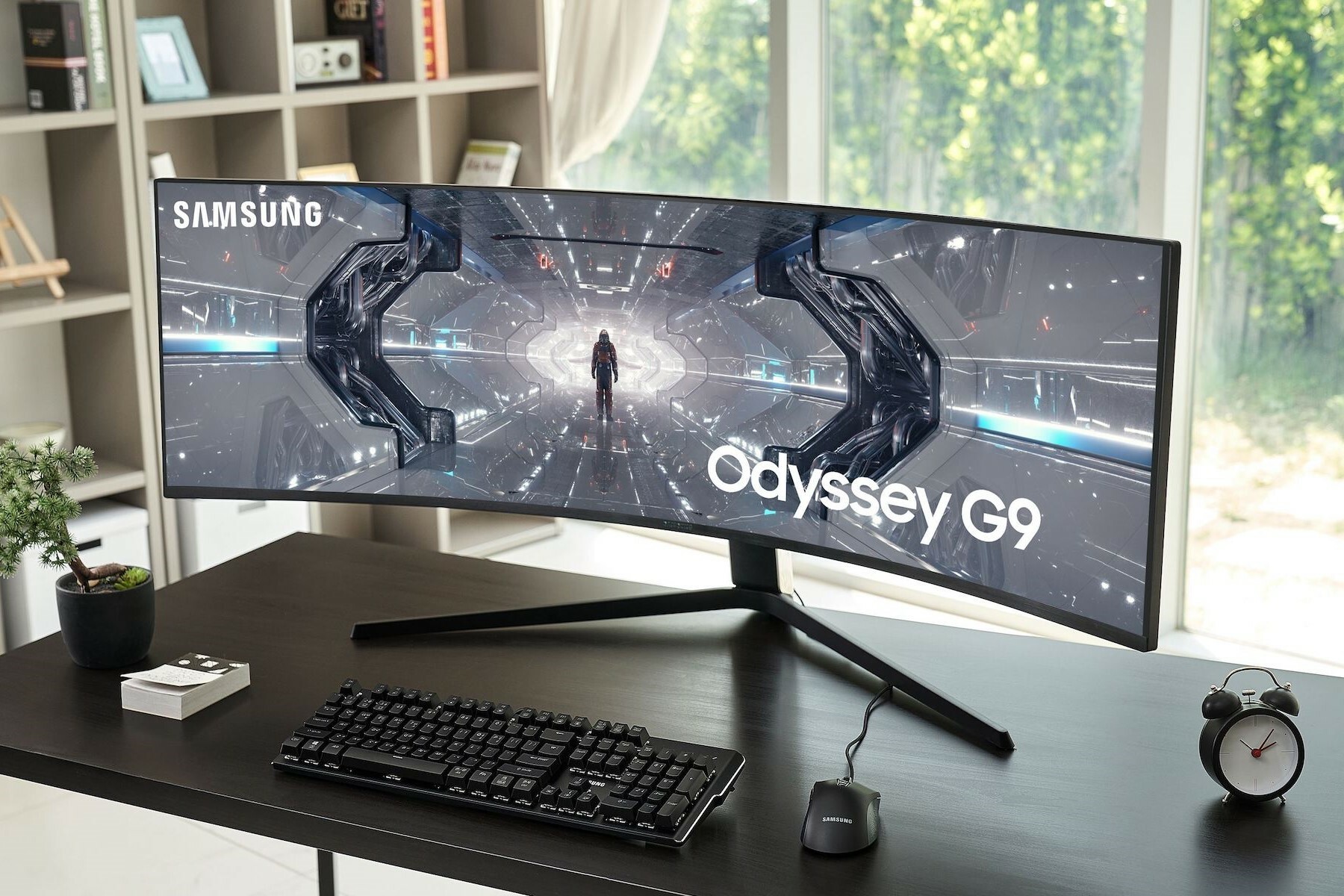
How do you split an ultrawide monitor into two screens?
To split an ultrawide monitor into two screens, you can use built-in features in your operating system. In Windows, you can easily place windows side-by-side by dragging a window to the left or right edge of the screen. On macOS, you can use Split View to display windows side-by-side. Some ultrawide monitors also have built-in functions in their settings menu to split the screen into multiple sections.
Samsung Monitors
What are the advantages of a split screen?
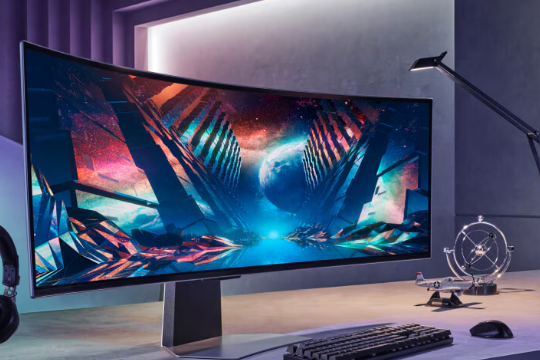
A split ultrawide screen offers more overview and productivity. You can open multiple applications at the same time without constantly having to switch between windows. This is ideal for multitasking, such as working on documents while viewing reference material, or during video editing where timelines and previews need to be visible. A split screen offers the advantages of a dual-monitor setup without physical borders between the screens.
What software do you need to split an ultrawide monitor?
In addition to the standard features of Windows and macOS, you can use specialized software for more control over your split screen. Popular options include:
- Microsoft PowerToys â For advanced window layouts on Windows.
- DisplayFusion â Offers extensive screen management capabilities.
- LG OnScreen Control â Specific software for LG monitors.
- Dell Display Manager â Useful for Dell ultrawide monitors.
Whether you choose a new or refurbished monitor, with the right settings and software you get the most out of your ultrawide screen.
Refurbished Monitors


The best Samsung monitors