How do I install a monitor wall mount?
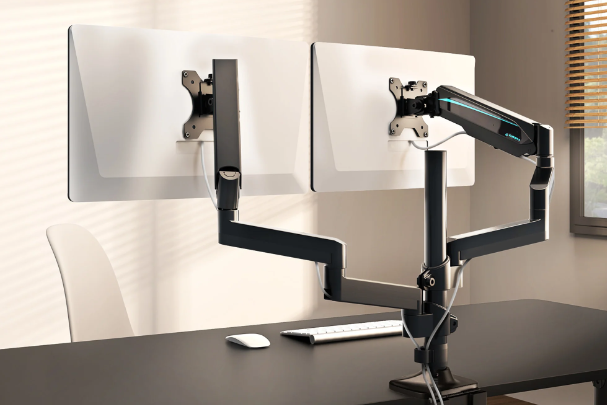
How to install a monitor wall mount?
Installing a monitor wall mount starts with choosing the right location on the wall. Make sure the wall is sturdy enough to support the monitor's weight. Attach the wall mount according to the manufacturer's instructions and use the correct wall plugs and screws. Then attach the monitor to the wall mount using the VESA mounting standard. After installation, check that the monitor is firmly and securely attached before using it.
Refurbished Monitor
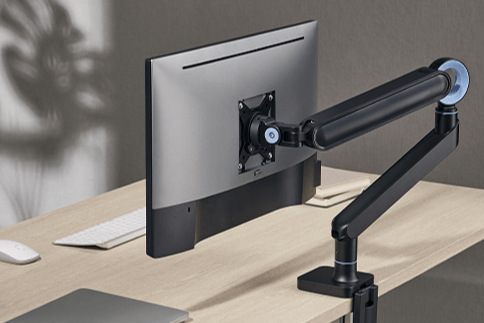
Which wall mount is suitable for your monitor?
When choosing a wall mount for your monitor, it's important to pay attention to the size, weight, and VESA standard of your monitor. A 27-inch monitor wall mount, for example, is specifically designed for medium-sized screens. Models are also available that are tiltable or rotatable, depending on your needs. For extra flexibility, you can choose a height-adjustable monitor wall mount.
How do you adjust the height of a monitor wall mount?
Adjust the height of a monitor wall mount based on your posture and viewing distance. Make sure the center of the screen is at eye level when you are sitting upright. With a height-adjustable monitor wall mount, you can easily make adjustments for the optimal ergonomic position. This helps prevent neck and back problems and ensures a comfortable work or gaming experience.
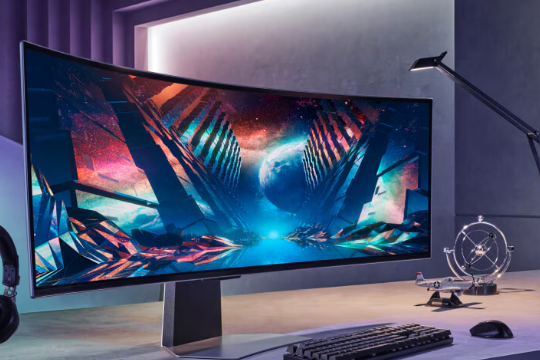
Samsung monitors


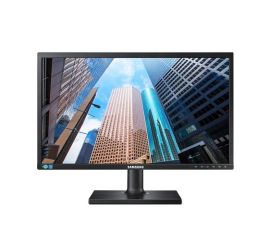
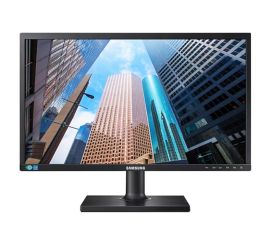
Samsung monitor