How can I clean my screen?
How to safely clean your screen?
Safely cleaning your screen starts with turning off your monitor, TV, or laptop and unplugging the power cord. Use a soft microfiber cloth to gently remove dust and stains from the screen. Avoid hard pressure or abrasive materials, as these can cause scratches. For stubborn stains, you can use a special cleaning spray suitable for screens.
Which products are best for cleaning your monitor?
Use a soft microfiber cloth and a cleaning spray specifically designed for screens. Avoid harsh cleaning agents such as glass cleaner, alcohol, or ammonia, as these can damage the protective coating of your monitor. The same products are suitable for cleaning a TV screen or laptop screen. Make sure you never spray the cleaning fluid directly onto the screen, but first onto the cloth.
Buy monitor

How to prevent damage when cleaning a monitor?
To prevent damage when cleaning your screen, avoid using rough cloths, paper towels, or scouring pads. Never spray liquids directly onto the screen, but always onto a cloth. Do not use harsh chemicals such as bleach or solvents. Make sure your monitor is completely turned off and cooled down before you start. Whether you're cleaning a new or refurbished monitor, caution is always important for a long lifespan.


Buy a monitor
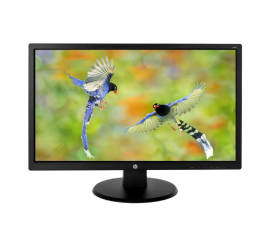
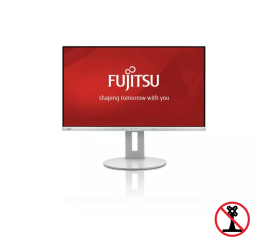
Fujitsu B27-9 TS FHD - 27 inch