
Help! I'm not getting a picture on my screen.
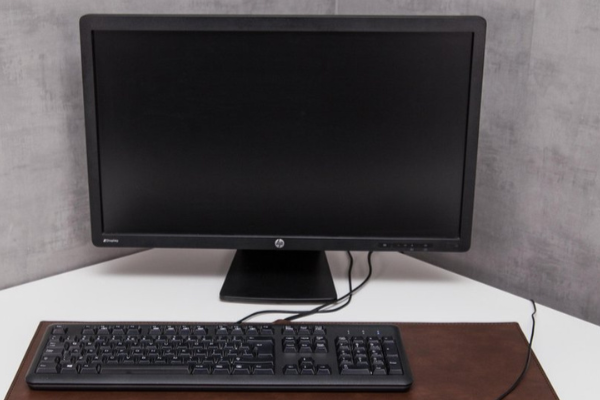
What to do if you don't get a picture on your monitor?
If you don't get a picture on your monitor, start with the basic checks. Check if the monitor is connected to a power source and if the on/off button is pressed. Make sure the cables (HDMI, DisplayPort, USB-C or VGA) are properly connected to both the monitor and the PC or laptop. If possible, test with a different cable or another device to see if the problem is with the monitor or the source.
Buy a refurbished monitor

What are the most common causes of a black screen?
A black screen can have several causes:
- The monitor is not correctly connected to the power source or the device.
- The graphics card is not working properly or is not properly seated.
- The wrong input is selected on the monitor (e.g. HDMI1 instead of HDMI2).
- The resolution settings on the PC are not compatible with the monitor.
- Faulty cables or connection ports.
- The monitor itself is defective.
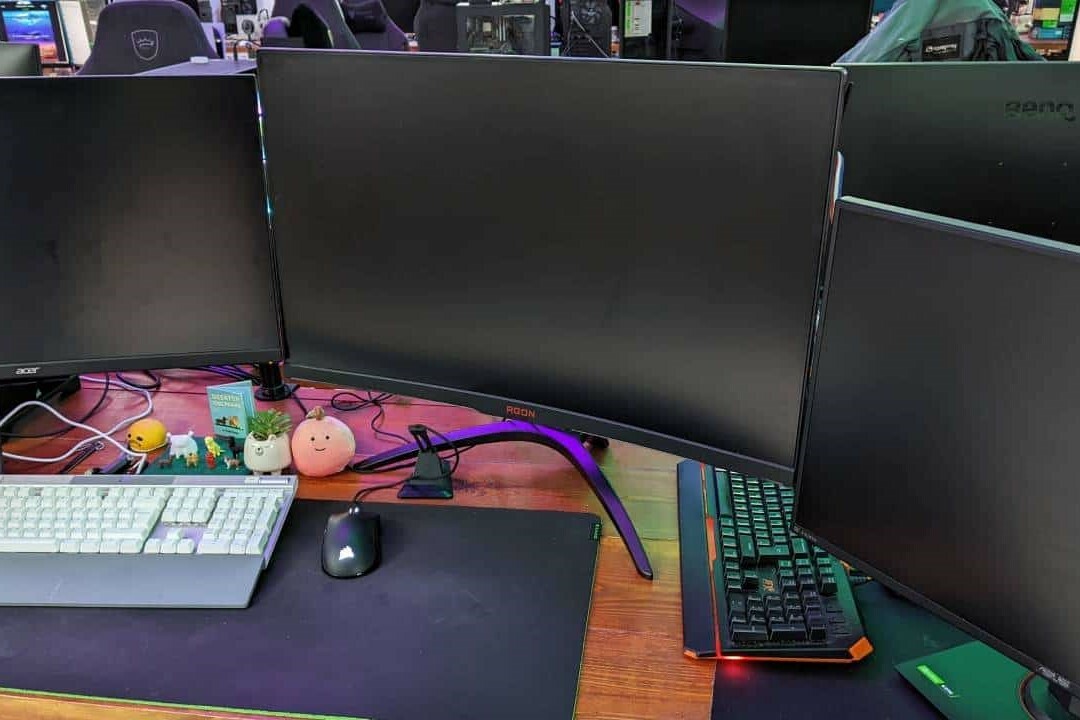
How do you solve the problem of no picture on your monitor?
Follow these steps to solve the problem:
- Check if the monitor is switched on and receiving power.
- Make sure the correct input is selected (HDMI, DisplayPort, VGA, etc.).
- Test the monitor with a different cable or another device.
- Check if the graphics card is properly connected and working correctly.
- Restart the PC or laptop.
- Reset the monitor to factory settings via the on-screen menu.
If the problem persists, consider consulting a professional or considering a refurbished monitor as a replacement. Always ensure that your equipment is well maintained to prevent future problems.
Monitor Advice


Still need a new (refurbished) screen?
Condition: Click for more information.
Condition: Click for more information.
Condition: Click for more information.
Condition: Click for more information.
Condition: Click for more information.
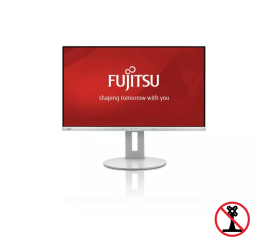
Fujitsu B27-9 TS FHD - 27 inch
27 inch - HDMI - VGA - Zwart - Without stand
Old Price €98.75 €79.00 €65.29
Condition: Click for more information.