Can I use a TV as a monitor for my PC?
What are the advantages of using a TV as a monitor?
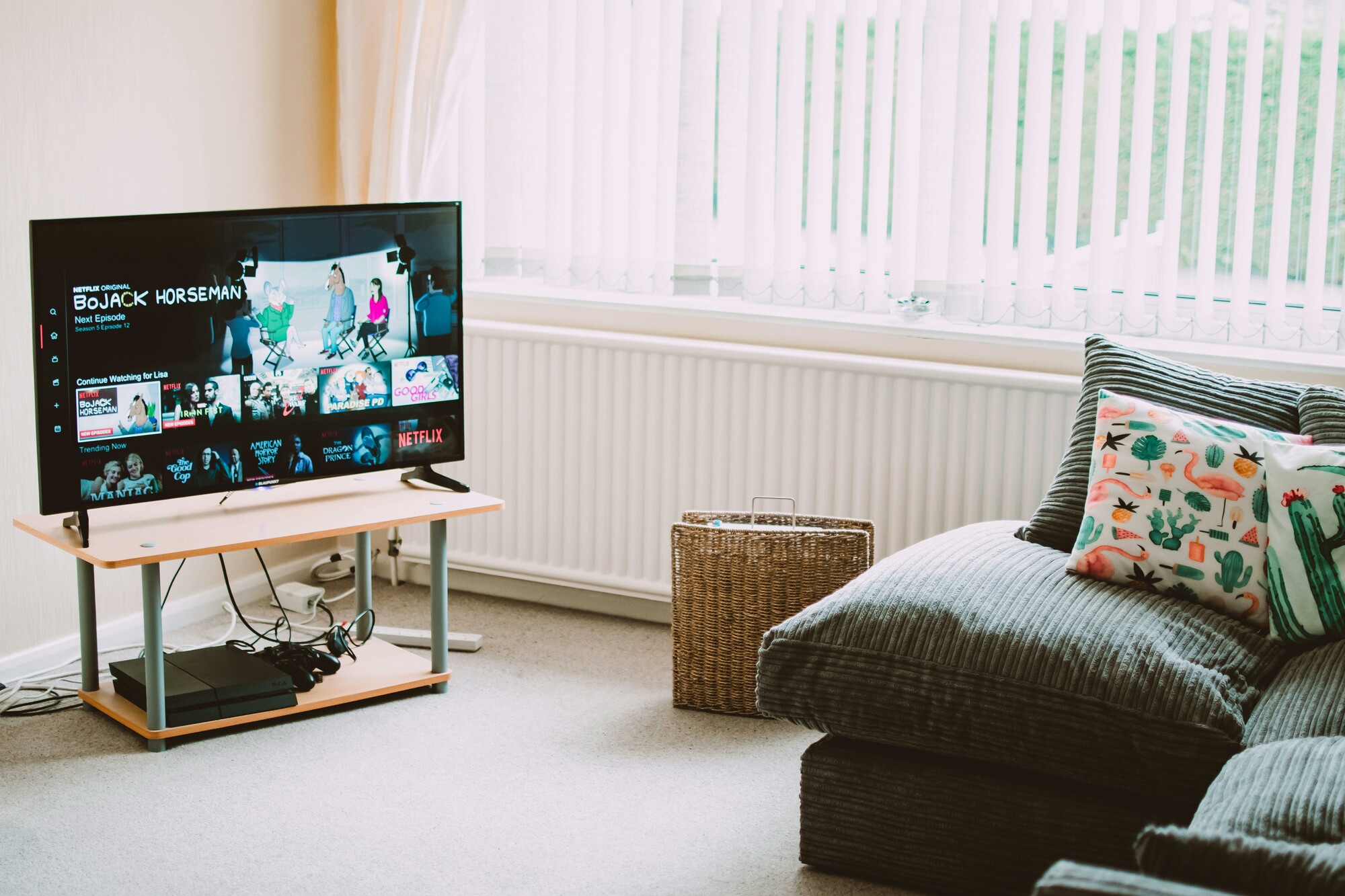
Using a TV as a monitor offers several clear advantages, such as a larger screen size and wider viewing angles. This can be useful for watching movies, presentations, or casual gaming. Modern TVs often support high resolutions such as 4K, resulting in sharp images. In addition, many TVs have multiple HDMI connections, making them versatile for various devices.
Refurbished Monitor
Which TVs are suitable as a monitor for a PC?
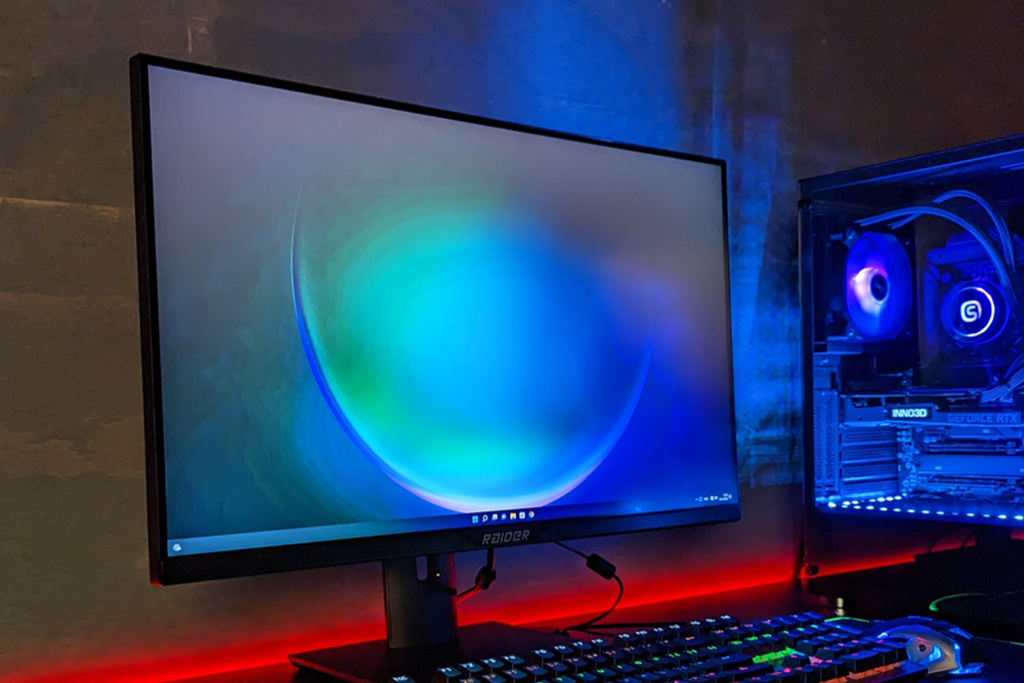
Not every TV is ideal for use as a monitor. TVs with low input lag, support for higher refresh rates (such as 120Hz), and HDMI 2.1 are the best choices. It is also important to choose a TV with a suitable pixel density, especially if you are working from close range. A smaller 4K TV (for example, 32 to 43 inches) performs better as a PC monitor than a larger format.
Monitor Advice
Why choose a monitor over a TV?
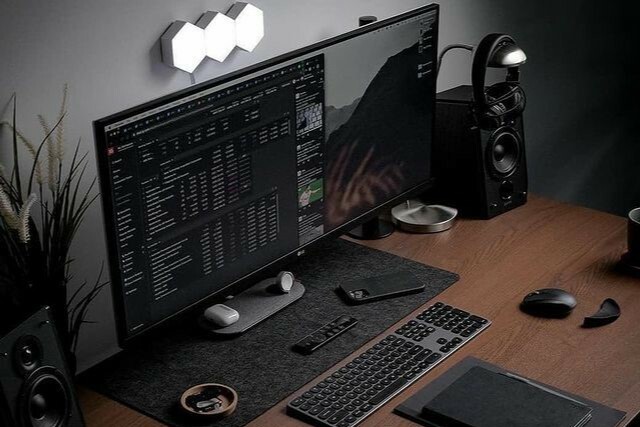
Although a TV can be used as a monitor, a monitor has some important advantages. Monitors typically have lower input lag, higher refresh rates, and better color accuracy. They are also designed for shorter viewing distances, making text and details sharper. For tasks such as graphic design, programming, or competitive gaming, a monitor is often the better choice. A refurbished monitor can also be an affordable alternative for high-performance.
Buy an AOC monitor


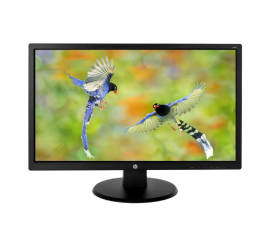
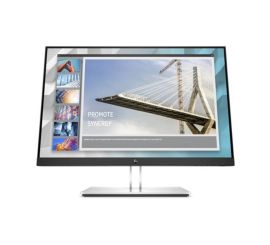
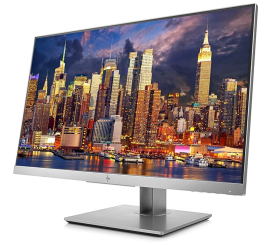
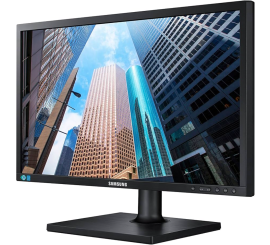
Looking for a refurbished monitor?
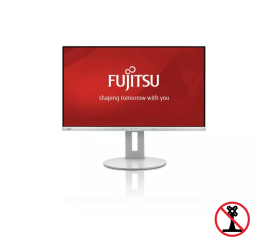
Fujitsu B27-9 TS FHD - 27 inch