How do you solve problems with your laptop keyboard?
Change keyboard language
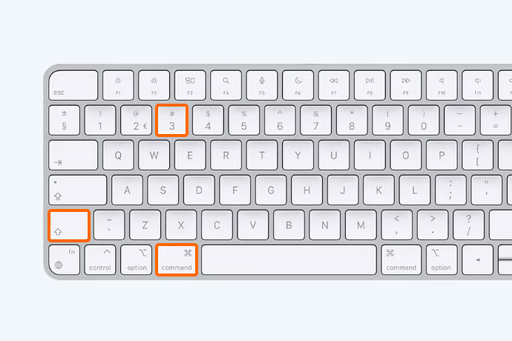
A common problem is that the keyboard settings have been changed, preventing you from typing as usual. If you notice that the euro symbol or other special characters are not working, this may be due to the language or regional standards of your keyboard. Go to your laptop's settings and make sure that the correct language and layout for your keyboard are selected. This can often solve the problem of not being able to type on your laptop as you are used to.
How to change keyboard language

Keyboard not working on startup
If your keyboard doesn't work when you start your laptop, this may indicate a deeper problem. Try starting your laptop in safe mode to see if the keyboard works there. If the keyboard functions in safe mode, the problem is likely a software conflict. Reinstalling the keyboard driver or performing a system restore can help resolve this issue.
More advice

Get your laptop repaired
If none of the above steps solve the problem and your keyboard still doesn't work, it may be time to seek professional help. At ReMarkt, we offer laptop repair services. Whether you have a problem with your keyboard no longer working on Windows 10 or another issue, our technicians can help you get your laptop fully functional again. Contact us for more information about our repair services and how we can help you.


Our keyboards & mice