
How does a laptop docking station work?
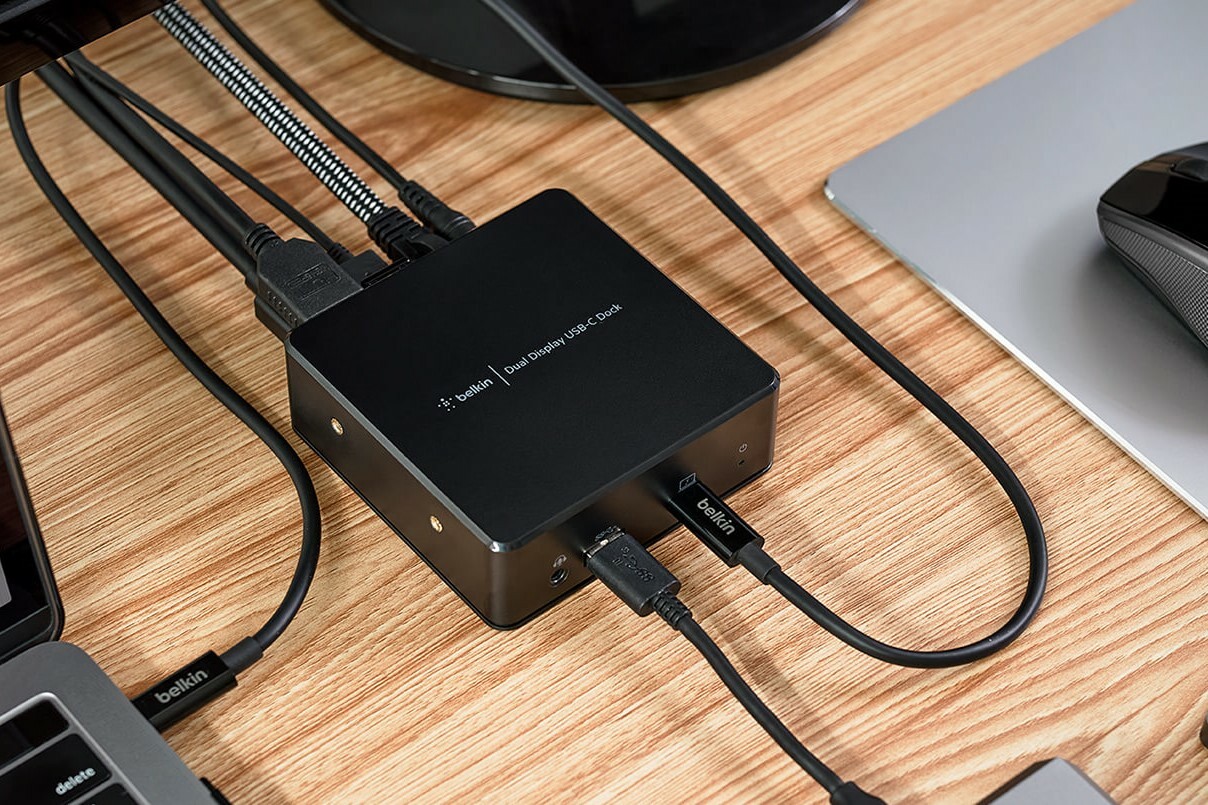
Connecting the docking station to your laptop
Via USB-C or Thunderbolt: Modern laptops use USB-C or Thunderbolt ports for fast data transfer and power supply. Older laptops often still use VGA, HDMI or DisplayPort connections. The docking station is connected to this port via a single cable.
Buy a docking station
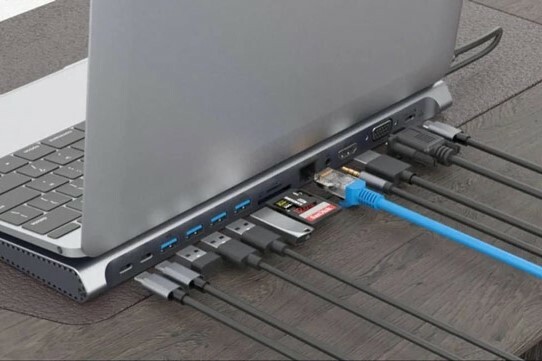
Expansion possibilities using a docking station
- Screens: Docking stations often have multiple video ports (HDMI, DisplayPort, VGA) allowing you to connect extra monitors. This increases your workspace and improves productivity.
- USB Ports: They offer extra USB ports (USB-A, USB-C) for connecting mice, keyboards, external hard drives and other USB devices.
- Network: Many docking stations have an Ethernet port for a stable and fast wired internet connection.
- Audio: Some docking stations have audio in and out for connecting headphones, microphones or speakers.
- Charging: Docking stations can often charge your laptop via the connected cable, so you don't need a separate charger.
The advantages of a docking station
- Simplicity: With a single connection you have access to all your peripherals without having to constantly plug and unplug cables.
- Productivity: More screen space and access to extra devices can significantly improve your workflow and efficiency.
- Flexibility: Docking stations make it easy to quickly connect and disconnect your laptop, ideal for home and office.
Buy a laptop


Find the docking station for your laptop!
ReMarkt's Choice

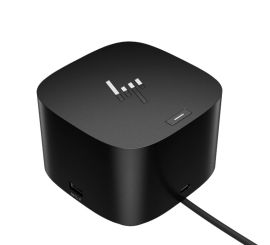
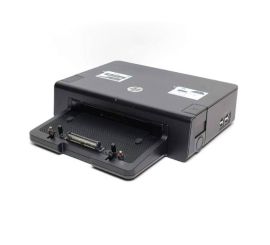
HP USB-C Universal Dock 90W - 2x Displayport - RJ45 - 4x USB - USB-C - Audio
Old Price €38.89 €35.00 €28.93