
How do you extend your laptop's battery life?
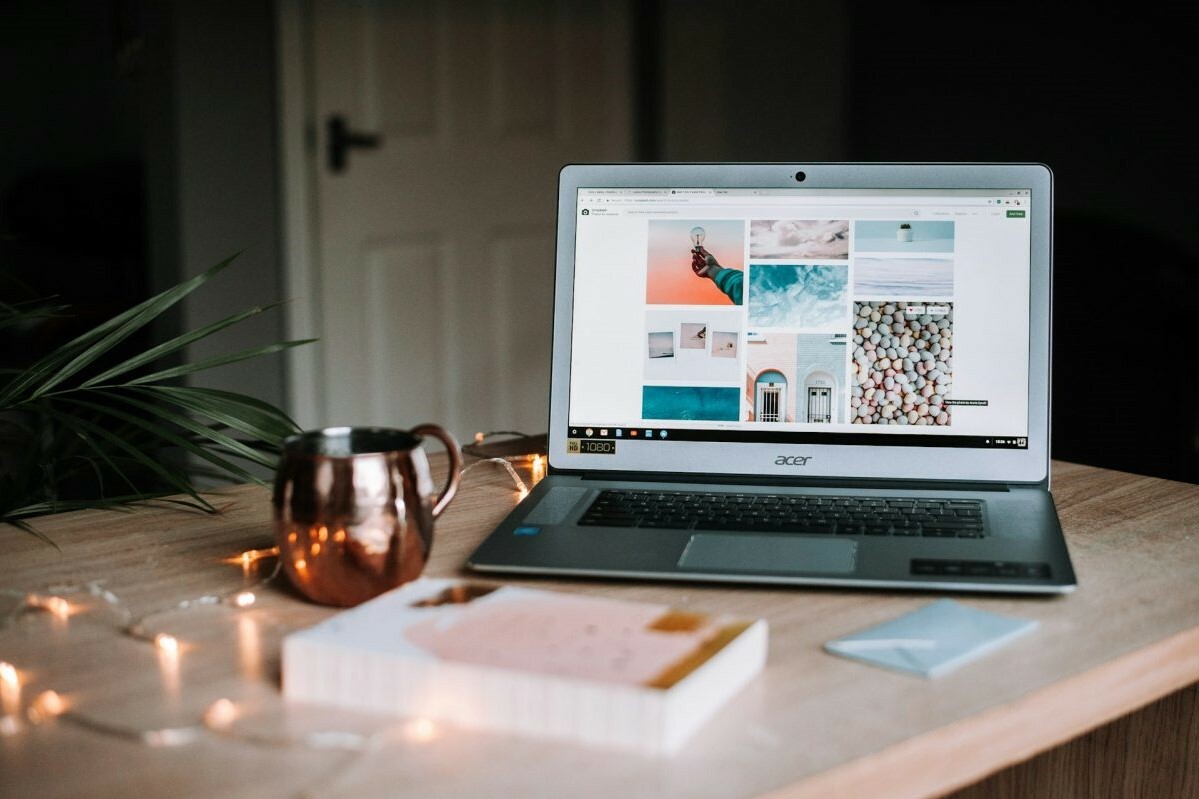
Lower your laptop screen brightness
A simple way to extend your laptop battery life is to adjust the screen brightness. The lower the brightness, the less energy your laptop battery consumes. This can significantly improve the lifespan of your laptop battery, especially if you're often on the go and don't have access to a power outlet.
Buy a refurbished laptop
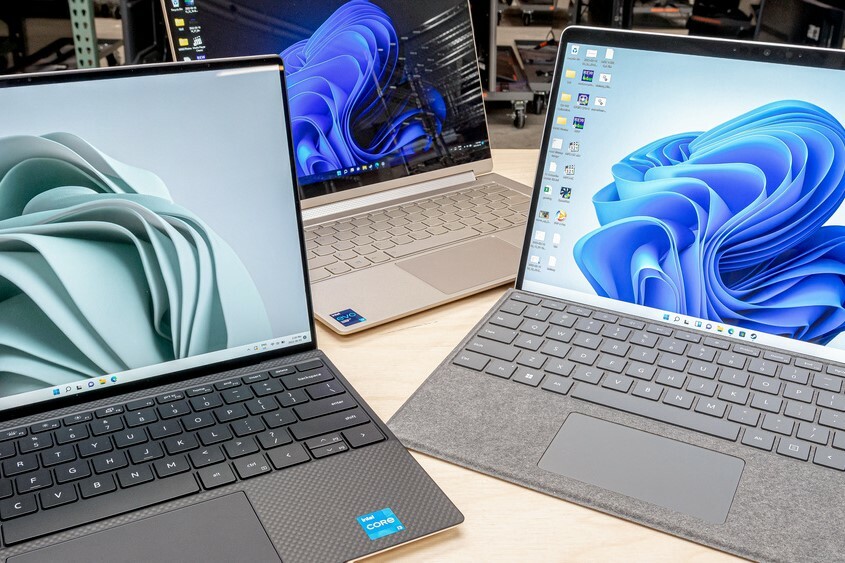
Enable power saving mode and sleep mode
Many laptops have a power saving mode that optimizes laptop performance for longer battery life. By putting your laptop in this mode and enabling sleep mode when not in use, you can prevent your laptop battery from being unnecessarily burdened. This can be especially useful if you have purchased a refurbished laptop and want to maintain the maximum battery life.
Laptop advice
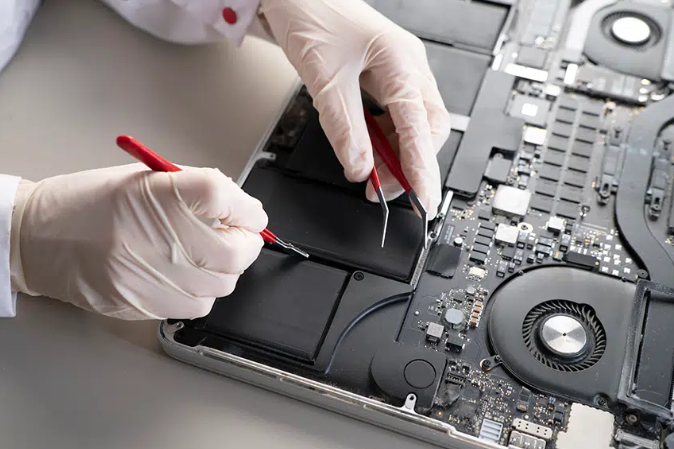
Replace your laptop battery
If you notice that your laptop battery is draining quickly, it may be time to replace the laptop battery. At Remarkt, we offer high-quality refurbished laptops and accessories, including replacement laptop batteries. Whether you need a battery for your HP laptop or another brand laptop battery, we have what you're looking for. For optimal laptop battery life, it's important to regularly test the condition of your laptop battery and purchase a new battery if necessary.
At Remarkt, we are happy to help you with advice and products to extend the battery life of your laptop. Whether you want to buy a new battery or purchase a refurbished laptop, we are here for you with a wide range of options. Visit our website for more information and discover how to keep your laptop in top condition.


Buy a refurbished laptop
HP ZBook Fury 17 G7

Acer TravelMate P214-54
Acer TravelMate P214-54
Acer TravelMate P214-54
Acer TravelMate P214-54
