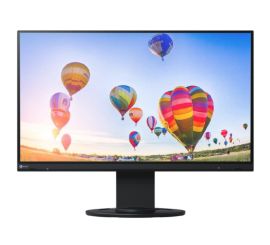
Connecting two monitors to a laptop with one HDMI port.
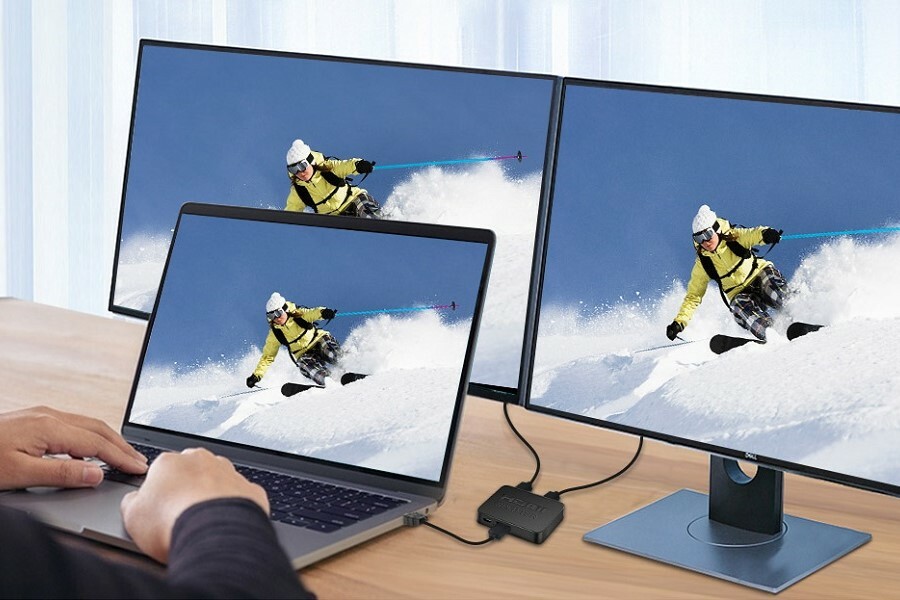
The advantage of two screens side by side
Using two screens side by side offers countless advantages, both for work and entertainment. With two monitors, you increase your productivity by being able to perform multiple tasks simultaneously. Whether you're working on a complex project or enjoying your favorite movies, two screens give you the space to work and multitask more efficiently. At ReMarkt you'll find everything you need, from a monitor for your PC to a docking station for your laptop with 2 screens, to easily realize this setup.
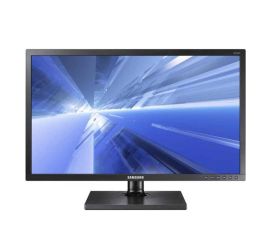
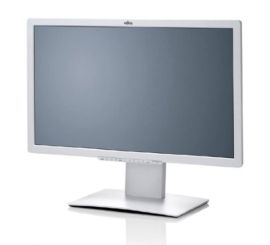
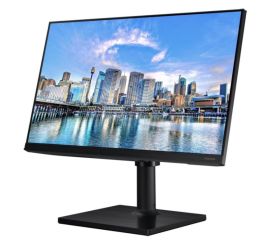
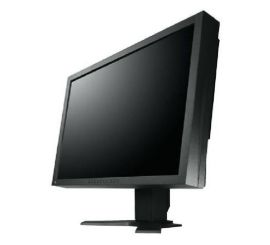
Our monitors
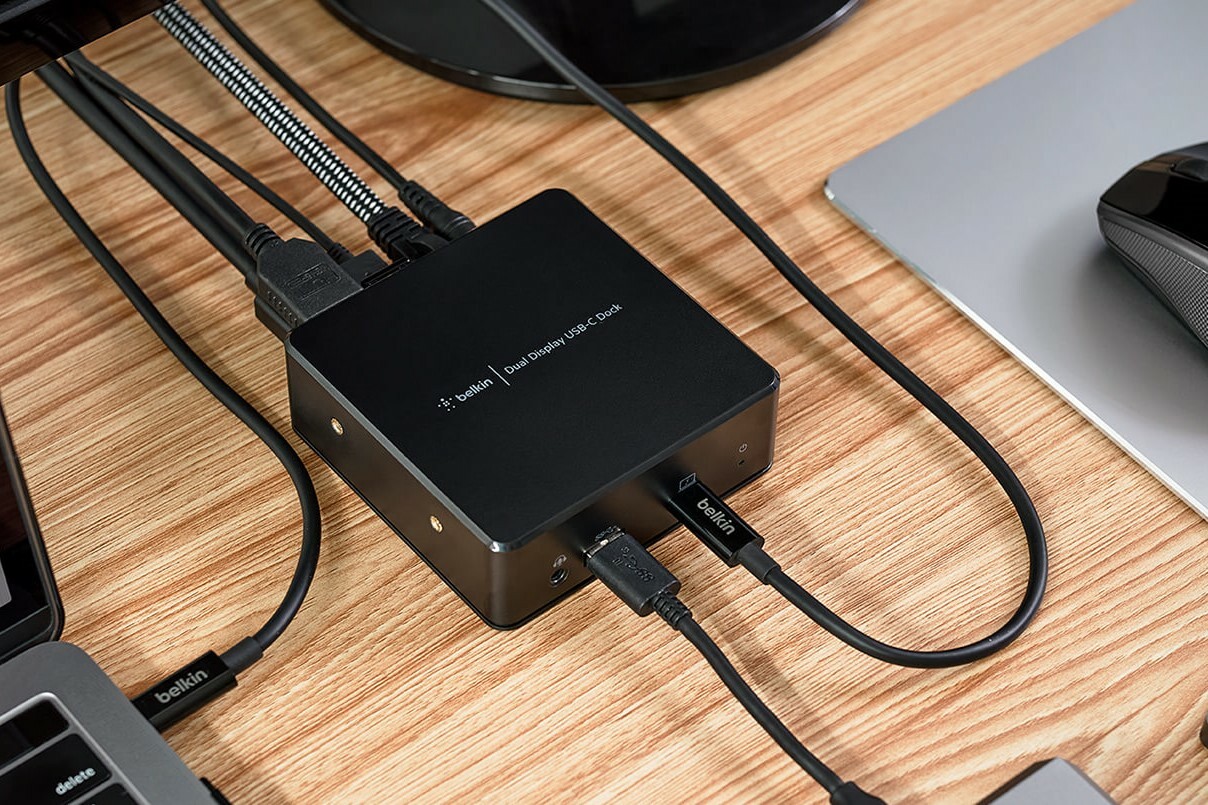
How to connect 2 screens to a laptop?
Do you want to connect 2 screens to your laptop with only 1 HDMI port? That's possible with the right accessories. A popular solution is the use of a docking station. With a docking station for your laptop you can easily connect multiple monitors and simultaneously use extra ports for other peripherals. Another option is an HDMI splitter, which allows you to send one HDMI signal to two screens. Remember to use high-quality HDMI cables, such as a 4k HDMI cable, for the best image quality.
View our docking stations
Differences between HDMI 2.0 and HDMI 2.1 cable
When connecting multiple screens, it is important to choose the right HDMI cable. HDMI 2.0 and HDMI 2.1 cables offer different advantages. HDMI 2.0 cables support resolutions up to 4K at 60Hz, which is sufficient for most applications. HDMI 2.1 cables go a step further with support for 4K at 120Hz and even 8K resolutions. This makes HDMI 2.1 the ideal choice for the latest gaming consoles and ultramodern displays. At ReMarkt you can choose from a wide range of HDMI cables, including HDMI 2.0 and HDMI 2.1 cables, to complete your setup.
For all your needs in the field of HDMI cables, docking stations and monitors for your PC, you can go to ReMarkt. Discover our extensive collection and order easily online to optimize your work or entertainment setup.
View our cables


The best monitors