
Help! My Chromebook won't turn on.
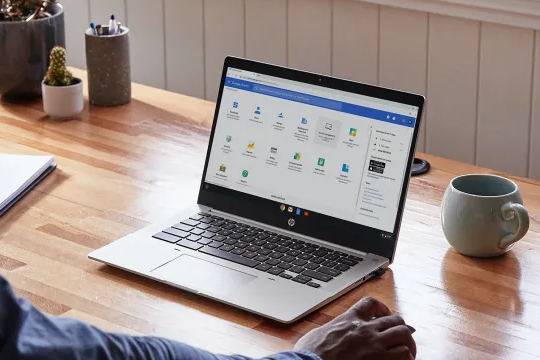
Why won't my Chromebook turn on?
It can be very frustrating when your Chromebook won't turn on. There are several reasons why your Chromebook might not start up. Possible causes include a dead battery, problems with the charger, software errors, or hardware problems. It's important to first determine the cause of the problem before taking further steps. In many cases, there are simple solutions you can try yourself before seeking professional help.
Buy a Chromebook

What to do if your Chromebook won't turn on
If your Chromebook won't turn on, there are a few steps you can try to fix the problem. First, check if the battery is sufficiently charged. Connect your Chromebook to the charger and wait a few minutes before trying to start it again. Also try a different charger to rule out the charger being the problem. If your Chromebook still won't turn on, try the following steps:
- Hold down the power button for at least 10 seconds to perform a hard reset.
- Check for visible damage to the charging port or cables.
- Try booting in recovery mode by pressing the keys Esc + Refresh + Power simultaneously.
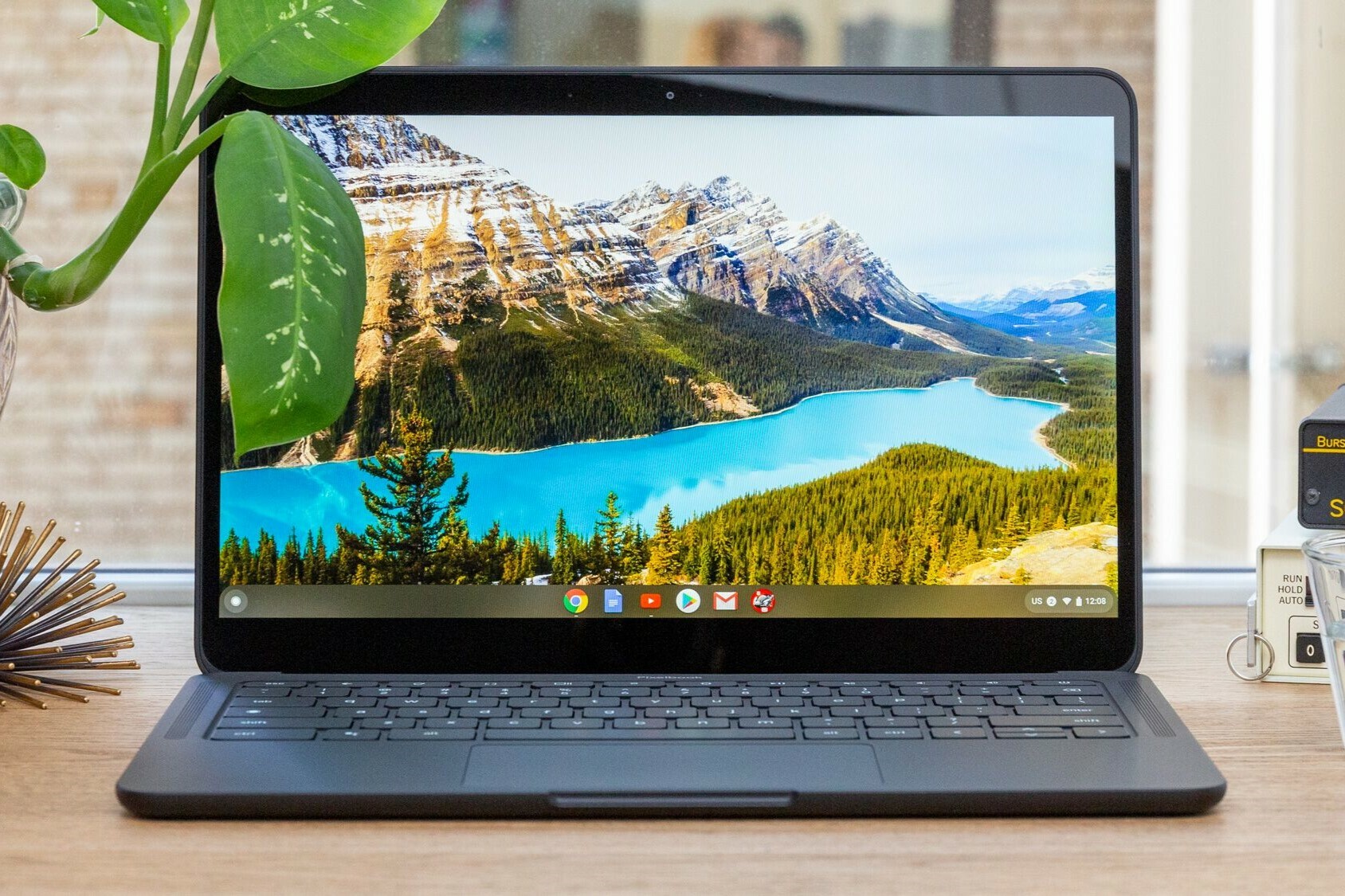
Acer Chromebook won't turn on
Specific problems with Acer Chromebooks can also occur. If your Acer Chromebook won't turn on, follow the steps mentioned above. Acer Chromebooks sometimes have a small reset button (paperclip reset) that you can use to restart the device. Consult your model's manual to find the exact location of this button. If you are still experiencing problems, you may need to contact Acer customer service or consult a professional repair service.

