
Can I use Excel on a Chromebook?
Can I use Excel on a Chromebook?
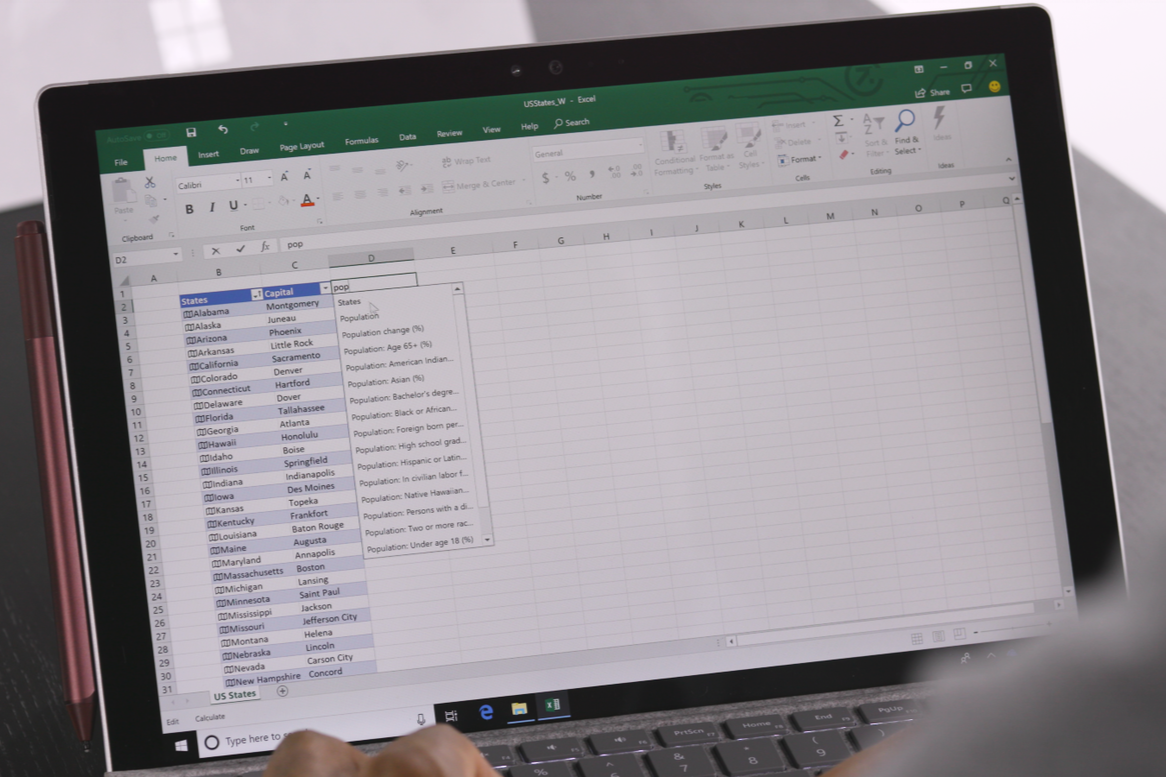
Yes, you can use Excel on a Chromebook, but not in the same way as on a Windows or Mac OS device. Because Chromebooks run on Chrome OS, you cannot install the traditional desktop version of Excel. However, there are several ways to use Excel and edit spreadsheets on your Chromebook. This can be done via Microsoft Office Online, the Excel mobile app, or Google Sheets.
Chromebook offer
No Excel program on Chrome OS
Chromebooks do not support traditional Windows or Mac OS software, including the full version of Microsoft Excel. Instead, you can use Excel via web-based solutions. Microsoft Office Online offers a free, lightweight version of Excel that you can use in your web browser. This online version includes most of the basic functionalities you need to create, edit, and share spreadsheets.
How to use Excel in the browser
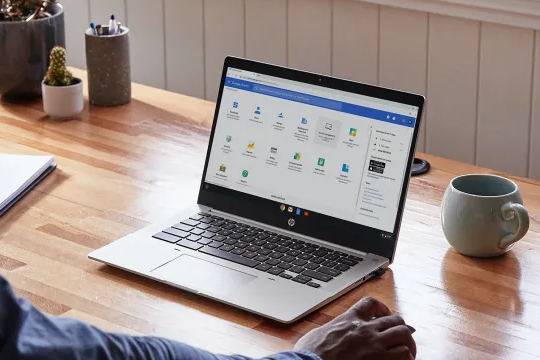
To use Excel on your Chromebook, you can consider the following options:
- Microsoft Office Online: Go to office.com and log in with your Microsoft account. Here you can open Excel Online and edit your spreadsheets.
- Excel mobile app: Download the Excel mobile app from the Google Play Store on your Chromebook. This app offers similar functionality to the desktop version.
- Google Sheets: As an alternative to Excel, you can use Google Sheets, which is fully compatible with Excel files. Sheets offers powerful features for creating and editing spreadsheets and automatically saves your work in Google Drive.


Buy a Windows laptop
Dell Latitude 3301
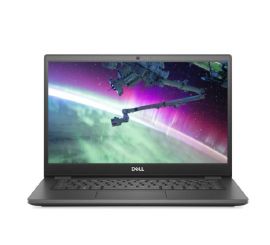
Dell Latitude 3410
Dell Latitude 3410
Dell Latitude 3410
Dell Latitude 3410