
Which MacBook do I have?
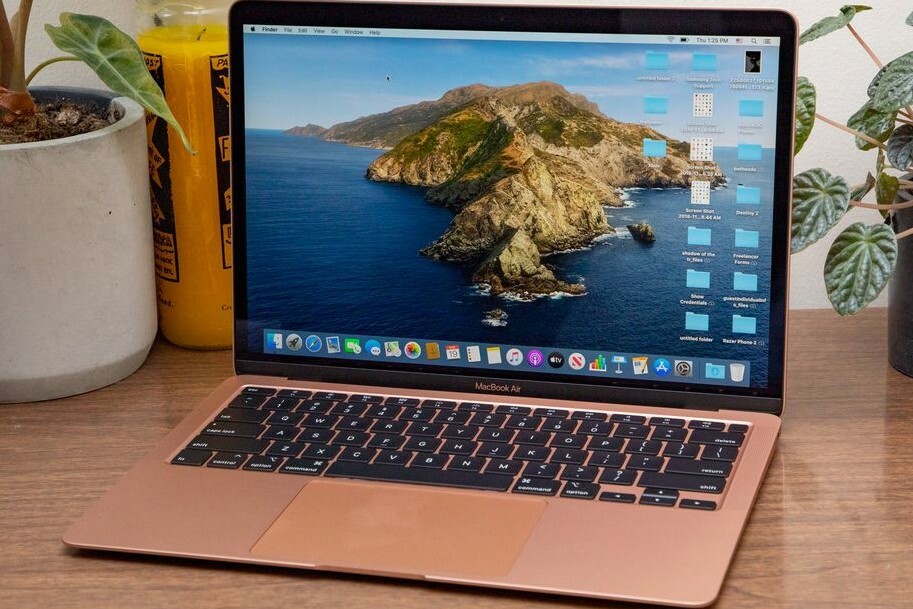
How to Identify Your MacBook Model?
You can easily find out which MacBook model you have via the system information on your device. Follow these steps:
- Click on the Apple logo () in the top left of the menu bar.
- Choose 'About This Mac'.
- In the window that appears, you will see the MacBook model, the year of manufacture and the most important specifications.
For example: MacBook Pro (14-inch, 2023).
Buy Refurbished MacBook?

Where to Find Your MacBook Serial Number?
The serial number of your MacBook can be found in several places:
- In the 'About This Mac' window.
- On the bottom of your MacBook, engraved in the casing.
- On the original packaging of your MacBook.
- Via your Apple ID on the Apple website under 'Devices'.
With the serial number you can check on the official Apple website which model you have and whether your device is still under warranty.
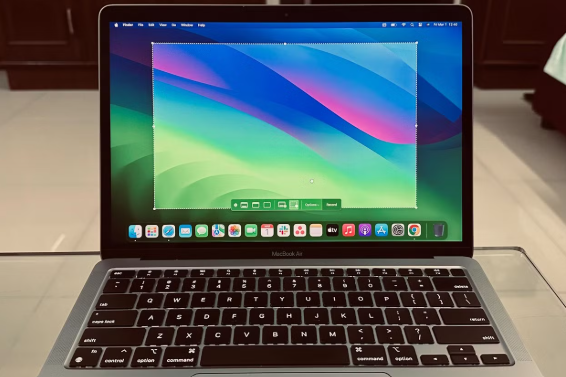
What are the Features of Your MacBook?
To view detailed specifications of your MacBook, follow these steps:
- Click on the Apple logo () and select 'About This Mac'.
- Click on 'System Report'.
- Here you will see detailed information, such as the processor, RAM, storage capacity and graphics system.
This information will help you with upgrading, selling or requesting support for your MacBook.
By following these steps, you will get a clear overview of your MacBook model, serial number and technical specifications. This is useful for support, sales or when planning upgrades.
MacBook Advice


Buy a MacBook
Condition: Matomi pažeidimai
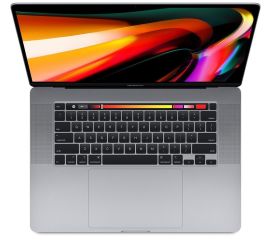
Apple MacBook Pro (15 inch, 2018) - 2-Year Warranty
Intel Core i7 - 15 inch - 16GB RAM - 256GB SSD - - Spacegrijs
Old Price €593.75 €475.00 €392.56
ReMarkt's Choice
Condition: Matomas naudotas
Apple MacBook Pro (15 inch, 2018) - 2-Year Warranty
Intel Core i7 - 15 inch - 16GB RAM - 256GB SSD - - Spacegrijs
Old Price €686.25 €549.00 €453.72
Condition: Matomas naudotas
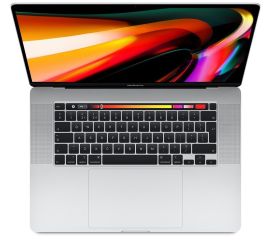
Apple MacBook Pro (15 inch, 2018) - 2-Year Warranty
Intel Core i7 - 15 inch - 16GB RAM - 256GB SSD - - Zilver
Old Price €686.25 €549.00 €453.72

Condition: Matomi pažeidimai
Apple MacBook Pro (15 inch, 2017) - 2-Year Warranty
Intel Core i7 - 15 inch - 16GB RAM - 512GB SSD - - Spacegrijs
Old Price €568.75 €455.00 €455.00
ReMarkt's Choice
Condition: Matomas naudotas
Apple MacBook Pro (15 inch, 2017) - 2-Year Warranty
Intel Core i7 - 15 inch - 16GB RAM - 512GB SSD - - Spacegrijs
Old Price €643.75 €515.00 €425.62
ReMarkt's Choice
Condition: Matomi pažeidimai
Apple MacBook Pro (15 inch, 2017) - 2-Year Warranty
Intel Core i7 - 15 inch - 16GB RAM - 256GB SSD - - Spacegrijs
Old Price €523.75 €419.00 €346.28