
Which iPhone do I have?
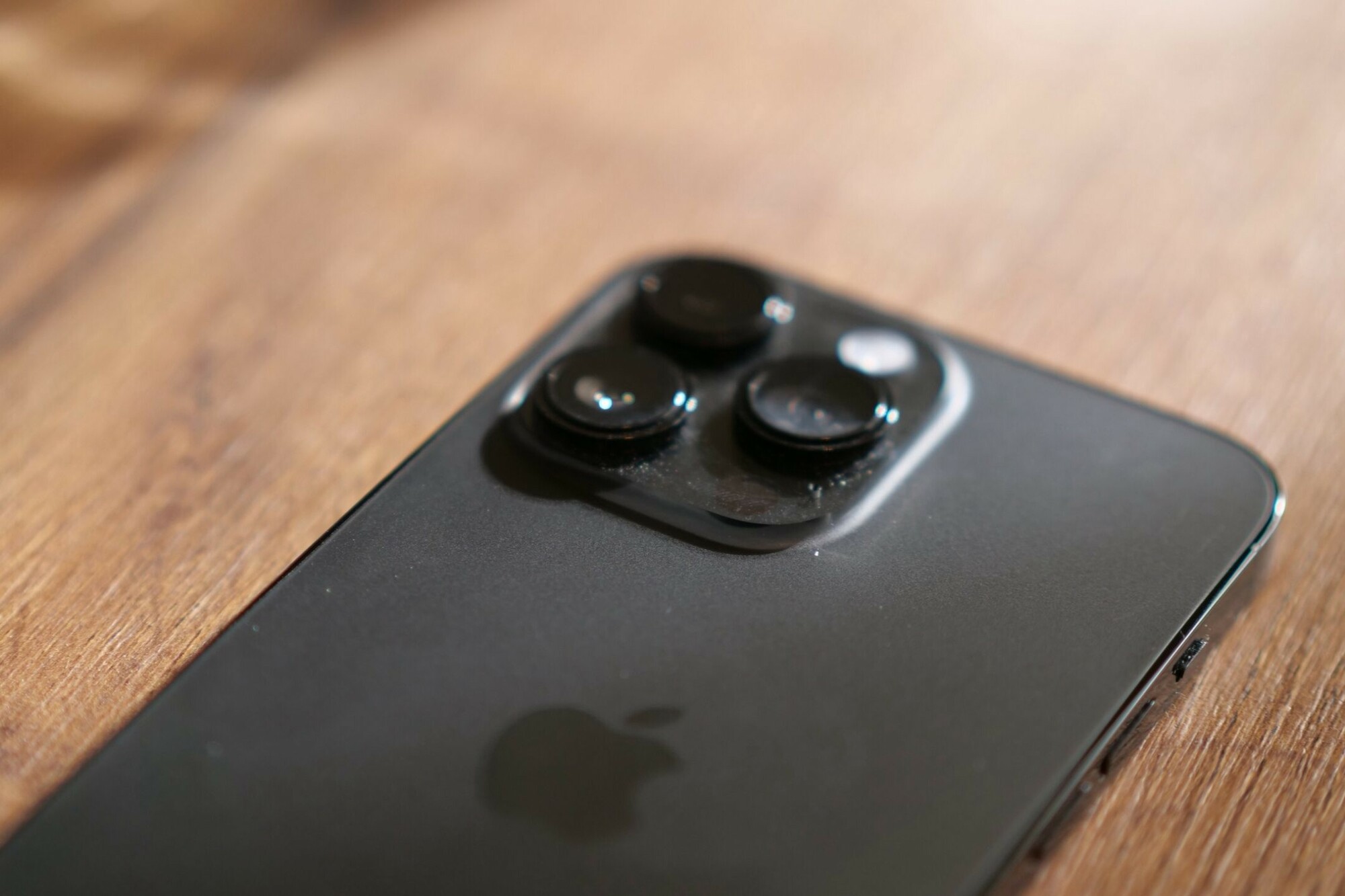
How to Identify Your iPhone Model
You can find out your iPhone model in the following ways:
- Settings: Go to Settings > General > About. Here you will see the model name and number of your iPhone.
- On the back: On older iPhone models, the model number is often engraved on the back.
- Via the Apple website: Enter your serial number on the official Apple website to find out your exact model.
Refurbished iPhones
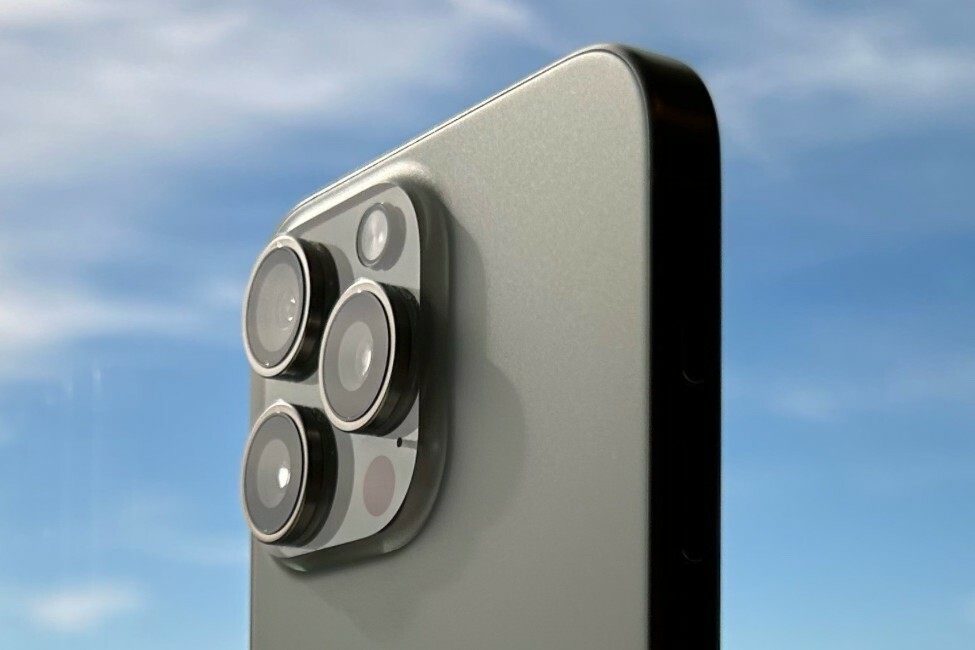
Where to Find Your iPhone Model Number
In your iPhone's settings, you can find the model number by going to Settings > General > About > Model Number. If you tap on the number, the exact model number (e.g., A2172) will appear.
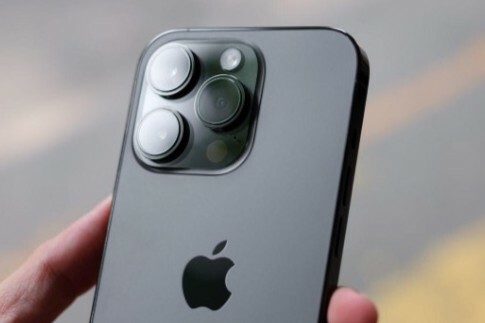
What are the Features of Your iPhone?
Each iPhone model has unique features, such as:
- Screen size: Different models have varying screen sizes, from compact to large.
- Cameras: The number of lenses and camera resolution can vary by model.
- Buttons: Some older models still have a physical Home button, while newer models use Face ID.
- Charging port: Newer models use USB-C, while older models have a Lightning port.
Conclusion: You can easily find out your iPhone model via the settings, casing or the official Apple website. Each model has unique features, from screen size to camera functions. By identifying the correct model, you can better determine which accessories or software updates are suitable for your device.
iPhone Advice


Buy a Refurbished iPhone?

Condition: Matomas naudotas
Apple iPhone 16 Pro Max - 512GB - 2 Year Warranty
16_desert_titanium
Old Price €1,431.25 €1,145.00 €1,145.00
Condition: Tvarkinga būklė
Apple iPhone 16 Pro Max - 512GB - 2 Year Warranty
16_desert_titanium
Old Price €1,473.75 €1,179.00 No VAT
Condition: Tvarkinga būklė
Apple iPhone 16 Pro Max - 256GB - 2 Year Warranty
16_desert_titanium
Old Price €1,298.75 €1,039.00 €1,039.00

Condition: Tvarkinga būklė
Apple iPhone 16 Pro Max - 256GB - 2 Year Warranty
16_naturel_titanium
Old Price €1,298.75 €1,039.00 €1,039.00

Condition: Matomas naudotas
Apple iPhone 16 Pro Max - 512GB - 2 Year Warranty
16_zwart_titanium
Old Price €1,481.25 €1,185.00 €1,185.00
Condition: Tvarkinga būklė
Apple iPhone 16 Pro Max - 256GB - 2 Year Warranty
16_zwart_titanium
Old Price €1,231.25 €985.00 €985.00