
Which iMac do I have?
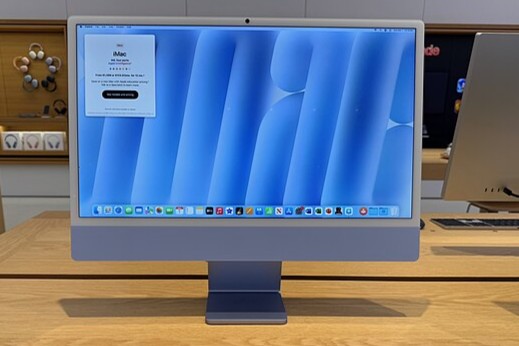
How to identify your iMac model?
You can easily find out which iMac model you have via your computer's system information. Follow these steps:
- Click on the Apple logo () in the menu bar at the top left.
- Select 'About This Mac'.
- A window will appear with information about your iMac, including the model, year of manufacture and specifications.
You will see something like this: iMac (24-inch, M1, 2021).
Buy a Refurbished iMac?
Where can you find the serial number of your iMac?
The serial number of your iMac can be found in several places:
- In the 'About This Mac' window.
- On the bottom of your iMac's stand.
- On the original packaging of your iMac.
- In your Apple ID account under Settings > Devices.
With the serial number, you can check on the official Apple website which model you have and whether the device is still under warranty.
Apple Advice
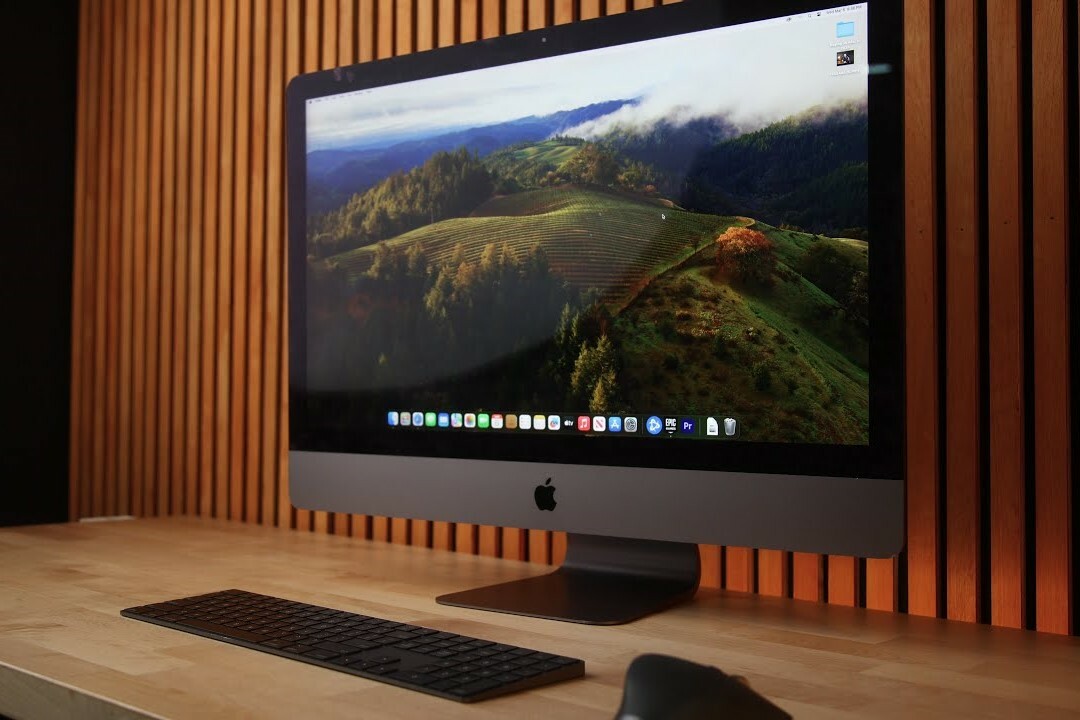
What specifications does your iMac have?
To view detailed specifications of your iMac, follow these steps:
- Click on the Apple logo () and select 'About This Mac'.
- Click on 'System Report'.
- Here you will find information about your processor, memory, storage and graphics card.
You can also check how much storage space you still have available by clicking on the 'Storage' tab in the same window.
By following these steps, you will get a clear overview of your iMac model, serial number and technical specifications. This information is useful for support, sales or upgrades.


Refurbished iMacs
Condition: Matomi pažeidimai
Apple - iMac - 2010 - 21 inch - Intel Core i3-1e Gen - 8GB - 512GB
Intel Core i3-1st Generation - 21 inch - 8GB - 512GB SSD
Old Price €248.75 €199.00 €164.46