
Where can I find my Apple ID password?
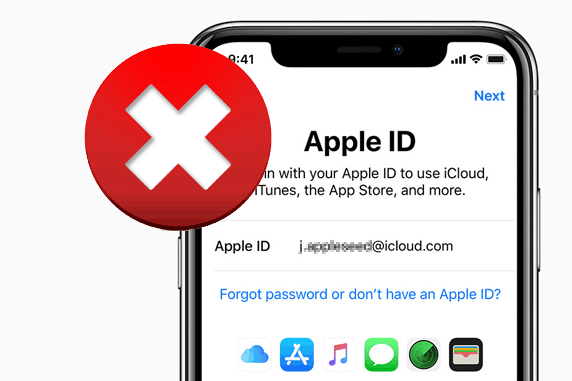
How do you recover your Apple ID password?
If you've forgotten your Apple ID password, you can easily recover it through the official Apple website or your device:
- Go to iforgot.apple.com in your browser.
- Enter your Apple ID (usually your email address) and follow the instructions.
- Choose a verification method: receive a code via your trusted device, SMS, or email.
- Follow the steps to set a new password.
On an iPhone or iPad, you can also recover your password via Settings > [Your name] > Password & Security > Change Password.
iPhone Advice
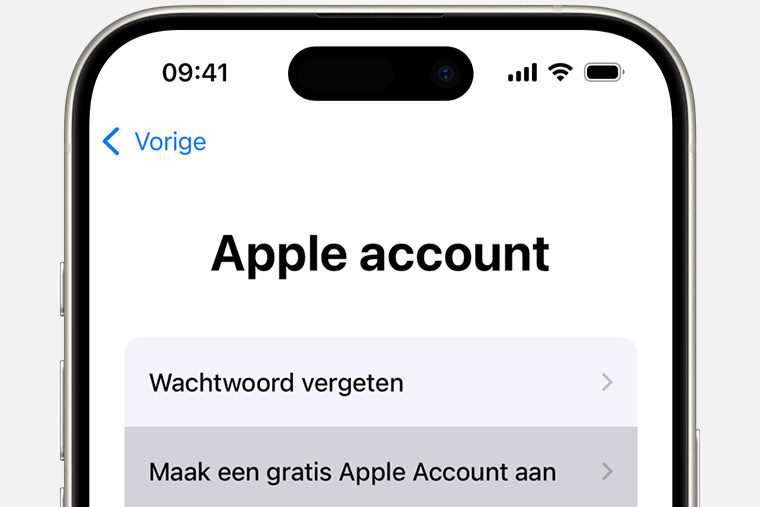
Where do you store your Apple ID password?
To securely store your Apple ID password, you can use:
- iCloud Keychain: Automatic storage and filling of passwords on Apple devices.
- Passwords app on iPhone: Go to Settings > Passwords to view saved passwords.
- External password managers: Use an app like 1Password or LastPass for extra security.
Make sure you never store your password in insecure places, such as note apps or on paper without security.
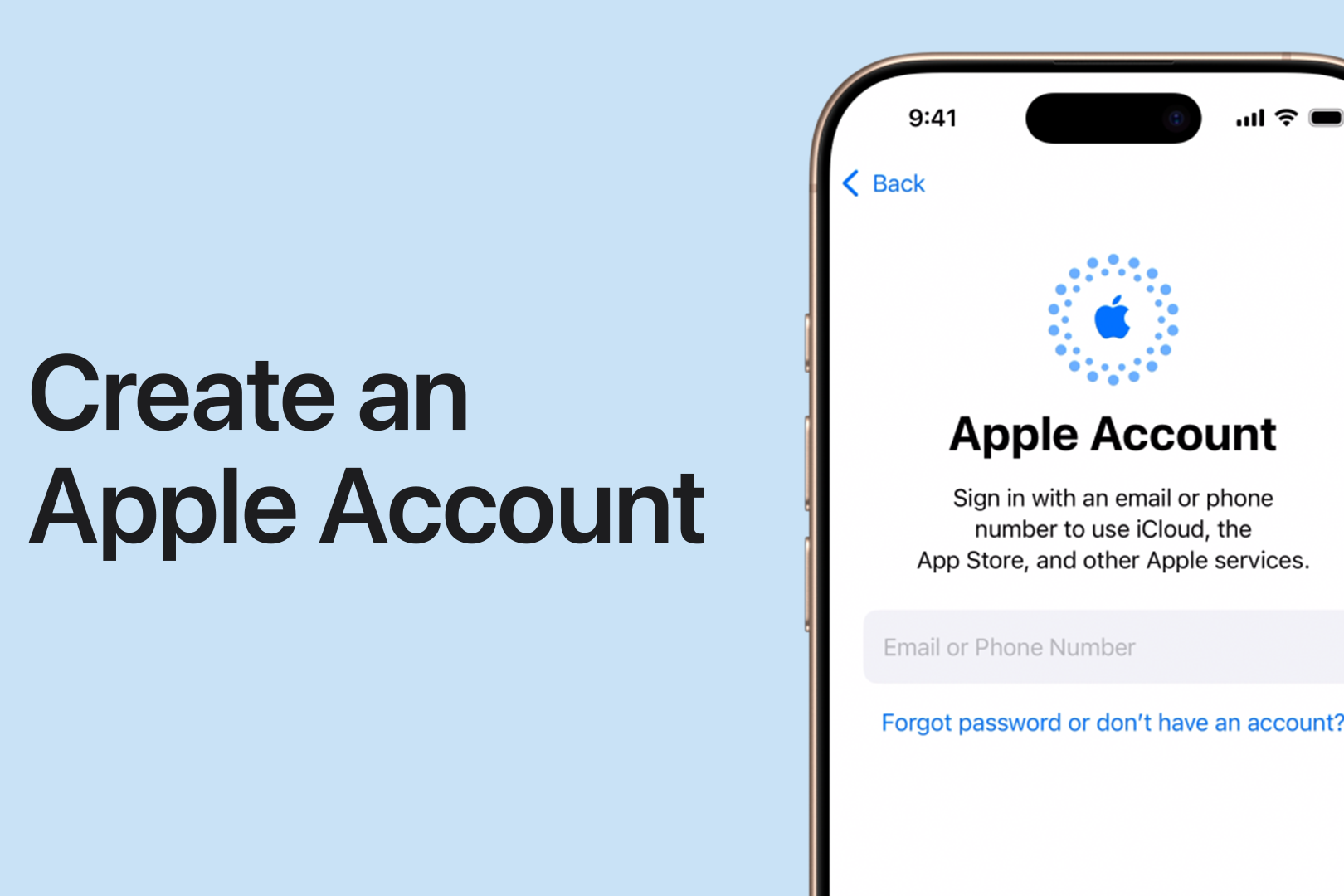
What if you no longer know your Apple ID?
If you've forgotten your Apple ID, you can find it using the following steps:
- Go to iforgot.apple.com and choose 'Forgot Apple ID?'.
- Enter your full name and the email address you may have used when creating your Apple ID.
- Check your inbox for previous Apple emails; the email address they were sent from is likely your Apple ID.
- Check your Apple device via Settings > [Your name], where your Apple ID is visible.
If you still have problems, please contact Apple Support for further assistance.
By regularly updating your password and using two-factor authentication, you keep your Apple ID account secure and accessible.
Apple Advice


The best of Apple

Condition: Tvarkinga būklė
Condition: Tvarkinga būklė

Condition: Tvarkinga būklė
Apple iPhone 11 Pro Max - 64GB - 2 Year Warranty
6.5 inch - 11_middernachtgroen
Old Price €331.25 €265.00 €219.01
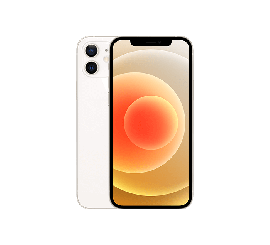
Condition: Tvarkinga būklė
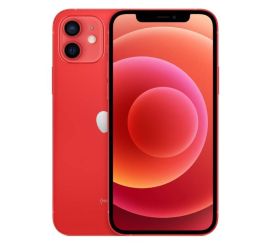
Condition: Tvarkinga būklė
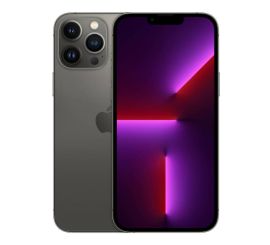
Condition: Matomas naudotas
Apple iPhone 13 Pro Max - 256GB - 2 Year Warranty
6.7 inch - 13_grafiet
Old Price €956.25 €765.00 €632.23