
Where are downloads located on an iPhone?
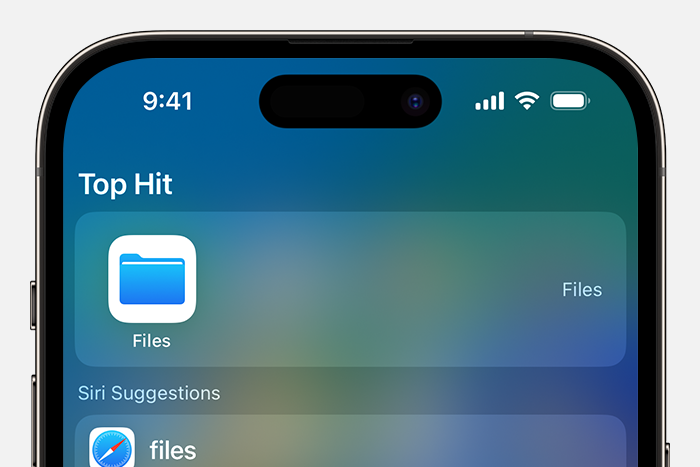
How to find your downloads on iPhone?
On an iPhone, downloads are usually saved in the Files app. To find your downloads, follow these steps:
- Open the Files app.
- Go to the Downloads folder under On My iPhone or iCloud Drive, depending on your settings.
- Here you will see all the files you have downloaded via Safari or other apps.
Where does Safari save downloads?
Safari saves downloads by default to the Downloads folder. You can find this in the Files app, usually under iCloud Drive > Downloads. If you have changed the location, the files may be in On My iPhone.
How to change the download location?
You can change the default download location of Safari:
- Go to Settings on your iPhone.
- Scroll down and tap Safari.
- Choose Downloads.
- Select On My iPhone or iCloud Drive as the default location, or choose a specific folder.
Conclusion: Downloads on your iPhone are usually found in the Files app, in the Downloads folder. You can adjust the download location via Safari's settings.
iPhone Advice


Buy an iPhone

Condition: Tvarkinga būklė
Condition: Tvarkinga būklė

Condition: Tvarkinga būklė
Apple iPhone 11 Pro Max - 64GB - 2 Year Warranty
6.5 inch - 11_middernachtgroen
Old Price €331.25 €265.00 €219.01
Condition: Tvarkinga būklė

Condition: Tvarkinga būklė

Condition: Matomas naudotas
Apple iPhone 13 Pro Max - 256GB - 2 Year Warranty
6.7 inch - 13_grafiet
Old Price €956.25 €765.00 €632.23