
Welke apple watch heb ik
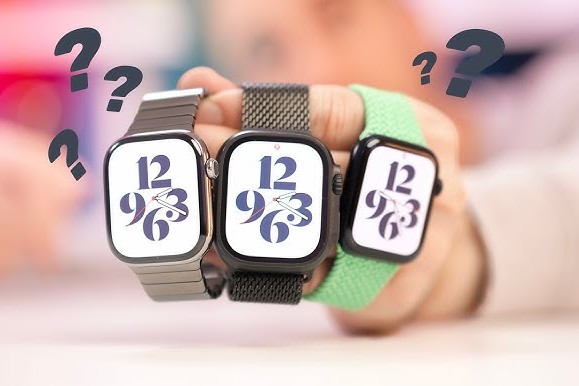
How to identify your Apple Watch model?
You can easily find out which Apple Watch model you have by going to the settings of your Apple Watch or the associated iPhone app. On your Apple Watch, go to Settings > General > About. Here you will see the model number and software version of your device. On your iPhone, open the Watch app > General > About to see the same overview.
- On the Apple Watch itself: Settings > General > About.
- On the iPhone: Watch app > General > About.
- Check the back: The model number is often engraved on the back of the Apple Watch.
All Apple Products
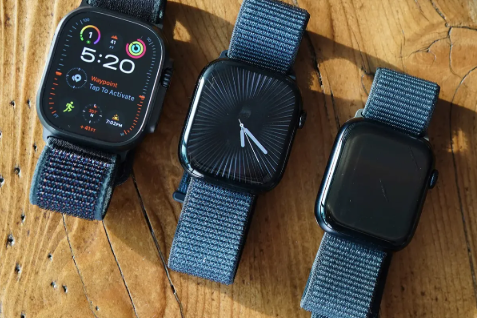
Where can you find the serial number of your Apple Watch?
The serial number of your Apple Watch can also be found in the settings or via the Watch app on your iPhone. On your Apple Watch, go to Settings > General > About and look for the Serial Number field. On the iPhone, open the Watch app and go to General > About. You can then check this serial number on the official Apple website to get more details about your model.
- Settings > General > About on the Apple Watch.
- Watch app > General > About on your iPhone.
- Check the packaging: The serial number is also on the original packaging of the Apple Watch.
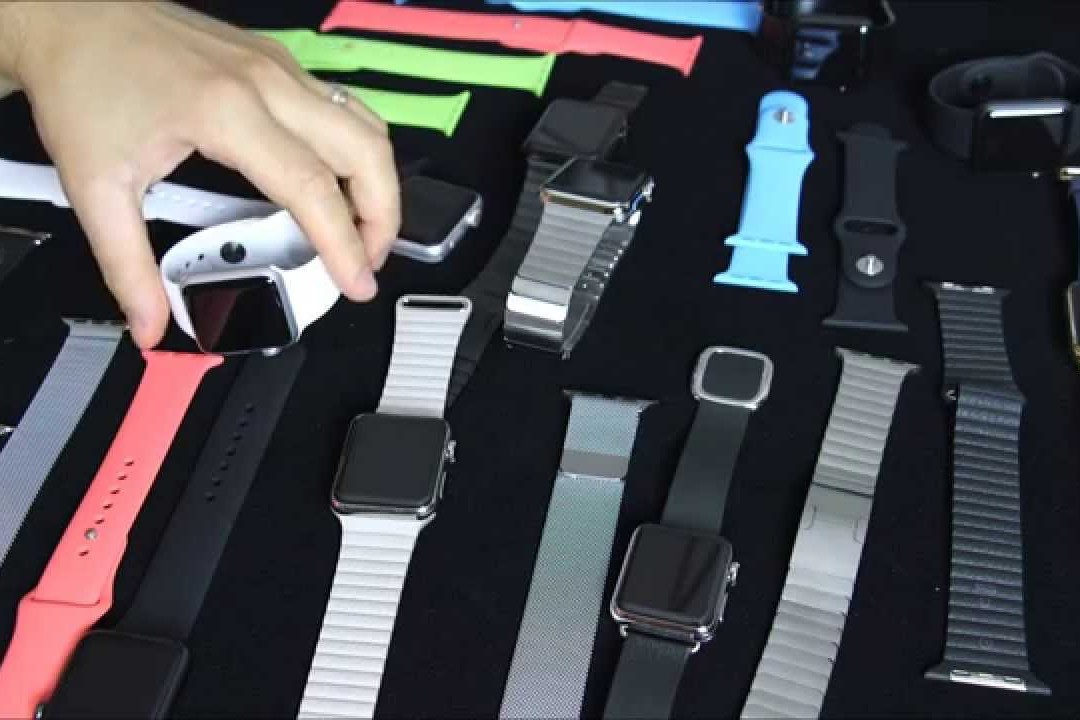
What are the features of your Apple Watch?
Each Apple Watch model has specific features that help identify the model. Older models have smaller screen sizes and less advanced health features, while newer models such as the Apple Watch Series 9 or Apple Watch Ultra have features such as Always-On Display, ECG functionality and advanced sports and health features.
- Apple Watch SE: Basic functions, such as fitness tracking and notifications.
- Apple Watch Series 9: Brighter screen, advanced health measurements such as oxygen saturation.
- Apple Watch Ultra: Robust design, extra long battery life and advanced GPS functionality.
By comparing the features of your Apple Watch with the official product pages on the Apple website, you can accurately determine which model you own.
Apple Advice


Best iPhones

Apple iPhone 16 Pro Max - 512GB - 2 Year Warranty
Apple iPhone 16 Pro Max - 512GB - 2 Year Warranty
Apple iPhone 16 Pro Max - 256GB - 2 Year Warranty

Apple iPhone 16 Pro Max - 256GB - 2 Year Warranty

Apple iPhone 16 Pro Max - 512GB - 2 Year Warranty