
How to type the euro symbol on a MacBook.
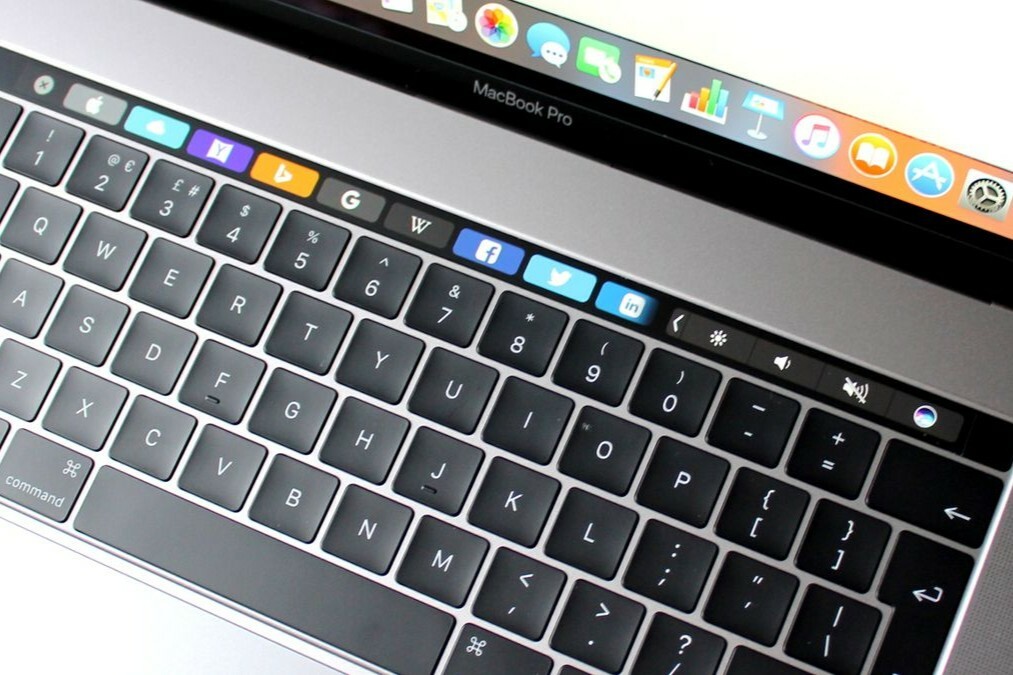
What keyboard shortcut do you use for the euro symbol?
On a MacBook, you can easily type the euro symbol (â¬) using a keyboard shortcut. This works on both a MacBook Air and a MacBook Pro. Press:
- Option (â¥) + 2 (on a Dutch keyboard)
- Shift + Option (â¥) + 2 (on some international keyboards)
The euro symbol will appear directly where you are typing.
Buy a Refurbished MacBook?
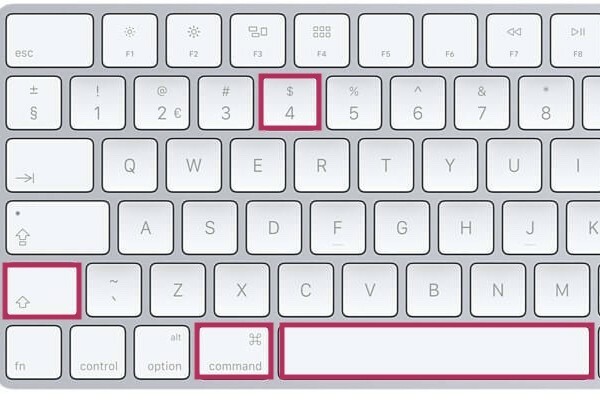
How do you type a euro symbol on a MacBook Air?
On a MacBook Air with a Dutch keyboard, press Option (â¥) + 2. If you are using a different keyboard, the combination may be different. In that case, check your keyboard settings via:
- Go to Settings > Keyboard > Input Sources.
- Check if you have the correct language settings (e.g., Dutch) selected.

How do you type a euro symbol on a MacBook Pro?
On a MacBook Pro, the euro symbol works the same way as on the MacBook Air. Use Option (â¥) + 2 on a Dutch keyboard. If this doesn't work, check your keyboard settings via:
- Go to System Settings > Keyboard > Input Sources.
- Check if the correct keyboard type is selected.
With these shortcuts, you can easily type the euro symbol on both a MacBook Air and a MacBook Pro, regardless of your usage situation.
MacBook Advice


Refurbished MacBook
Condition: Matomi pažeidimai
Apple MacBook Pro (15 inch, 2018) - 2-Year Warranty
Intel Core i7 - 15 inch - 16GB RAM - 256GB SSD - - Spacegrijs
Old Price €593.75 €475.00 €392.56
ReMarkt's Choice
Condition: Matomas naudotas
Apple MacBook Pro (15 inch, 2018) - 2-Year Warranty
Intel Core i7 - 15 inch - 16GB RAM - 256GB SSD - - Spacegrijs
Old Price €686.25 €549.00 €453.72
Condition: Matomas naudotas
Apple MacBook Pro (15 inch, 2018) - 2-Year Warranty
Intel Core i7 - 15 inch - 16GB RAM - 256GB SSD - - Zilver
Old Price €686.25 €549.00 €453.72

Condition: Matomi pažeidimai
Apple MacBook Pro (15 inch, 2017) - 2-Year Warranty
Intel Core i7 - 15 inch - 16GB RAM - 512GB SSD - - Spacegrijs
Old Price €568.75 €455.00 €376.03
ReMarkt's Choice
Condition: Matomas naudotas
Apple MacBook Pro (15 inch, 2017) - 2-Year Warranty
Intel Core i7 - 15 inch - 16GB RAM - 512GB SSD - - Spacegrijs
Old Price €643.75 €515.00 €425.62
ReMarkt's Choice
Condition: Matomi pažeidimai
Apple MacBook Pro (15 inch, 2017) - 2-Year Warranty
Intel Core i7 - 15 inch - 16GB RAM - 256GB SSD - - Spacegrijs
Old Price €523.75 €419.00 €419.00