
How to reset an iPhone.
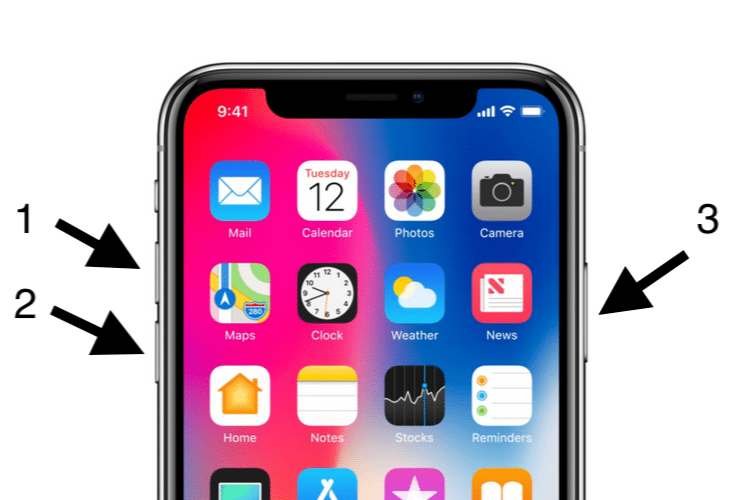
How do you restart an iPhone?
For a soft reset (restart without data loss):
- iPhone with Face ID: Press and hold the side button and one of the volume buttons until the 'Power off' slider appears. Slide to power off and then turn the iPhone back on by pressing and holding the side button.
- iPhone with Home button: Press and hold the side button (or top button) until the 'Power off' slider appears. Slide to power off and then turn the iPhone back on by pressing the same button.
Refurbished iPhones
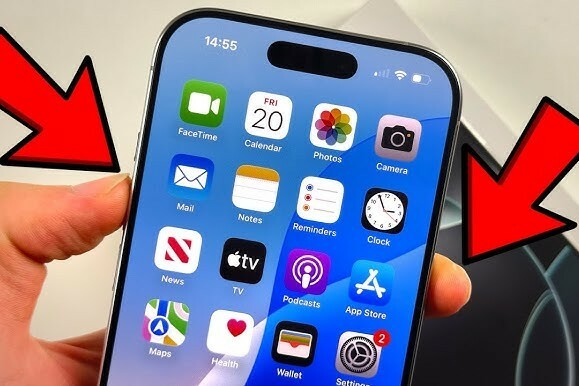
How do you factory reset an iPhone?
For a hard reset (all data will be deleted):
- Go to Settings > General > Reset.
- Select 'Erase all content and settings'.
- Enter your passcode or Apple ID password to confirm.
- The iPhone will restart and be reset to factory settings.
Note: Back up your data via iCloud or iTunes before performing a hard reset to avoid data loss.
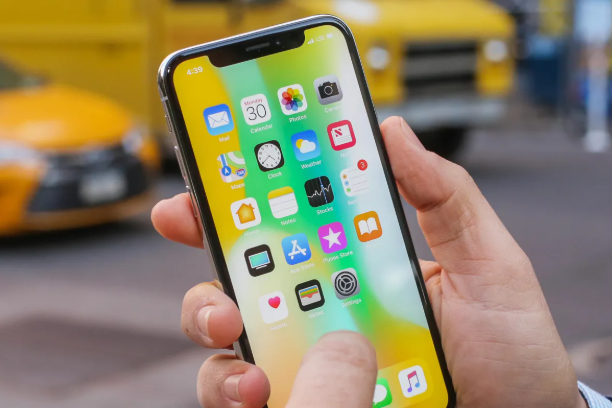
What to do if your iPhone freezes?
If your iPhone is unresponsive, you can perform a forced restart:
- iPhone with Face ID: Briefly press the volume up button, then the volume down button, and then press and hold the side button until the Apple logo appears.
- iPhone with Home button: Press and hold the Home button and the side button (or top button) simultaneously until the Apple logo appears.
Conclusion: A soft reset is useful for minor problems, while a hard reset completely erases your iPhone. Always back up your data before restoring to factory settings.
iPhone Advice


Buy Refurbished iPhones

Condition: Tvarkinga būklė
Apple iPhone 16 Pro Max - 512GB - 2 Year Warranty
16_desert_titanium
Old Price €1,473.75 €1,179.00 No VAT
Condition: Tvarkinga būklė
Apple iPhone 16 Pro Max - 256GB - 2 Year Warranty
16_desert_titanium
Old Price €1,298.75 €1,039.00 €1,039.00

Condition: Tvarkinga būklė
Apple iPhone 16 Pro Max - 256GB - 2 Year Warranty
16_naturel_titanium
Old Price €1,298.75 €1,039.00 €1,039.00

Condition: Matomas naudotas
Apple iPhone 16 Pro Max - 512GB - 2 Year Warranty
16_zwart_titanium
Old Price €1,481.25 €1,185.00 €1,185.00
Condition: Tvarkinga būklė
Apple iPhone 16 Pro Max - 256GB - 2 Year Warranty
16_zwart_titanium
Old Price €1,231.25 €985.00 €985.00

Condition: Matomi pažeidimai