
How old is my MacBook?
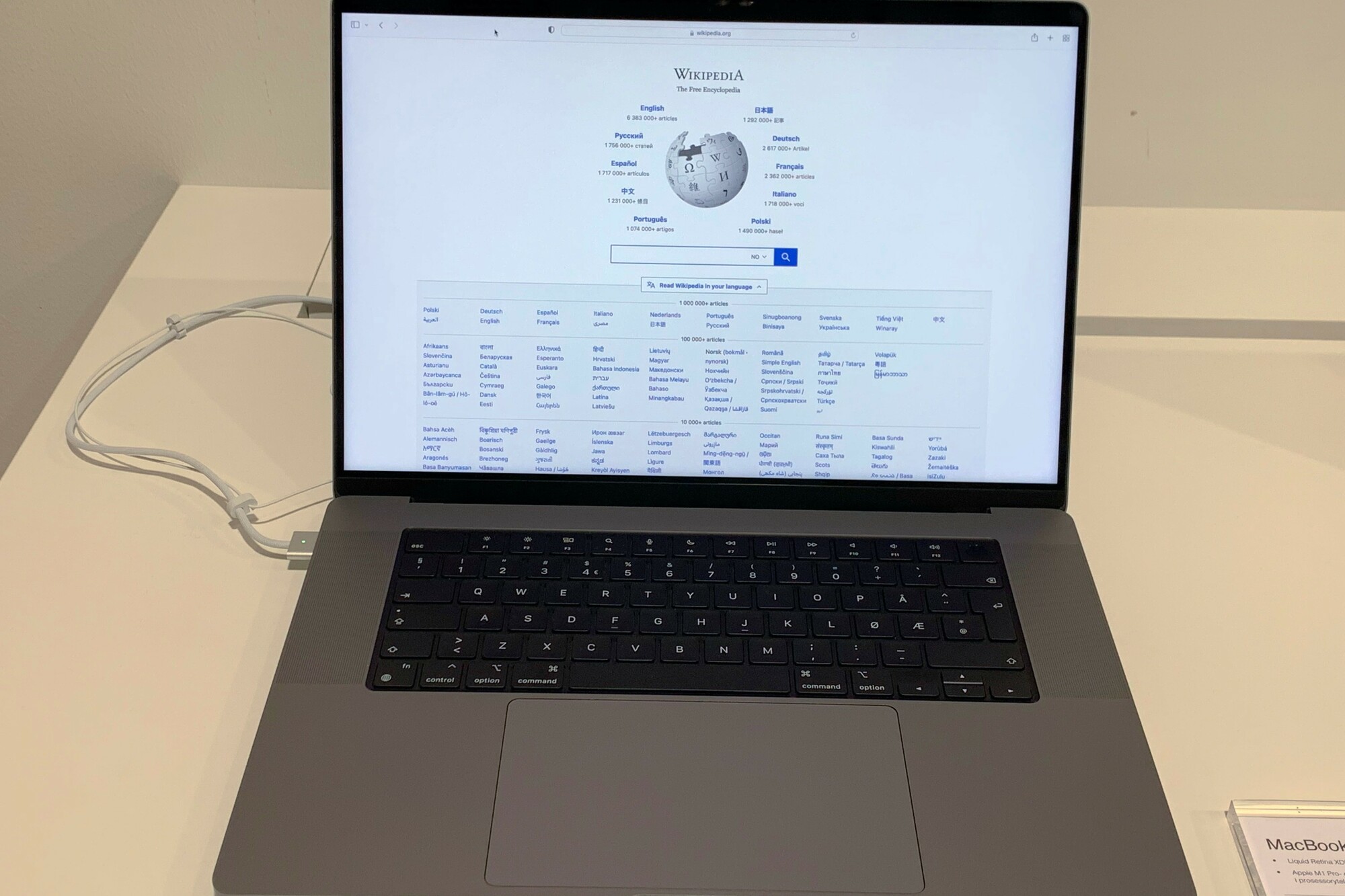
How to Check Your MacBook's Age?
You can determine your MacBook's age by checking its serial number. Follow these steps:
- Click on the Apple logo () in the top-left corner of the menu bar.
- Select 'About This Mac'.
- Find the serial number in the window that appears.
- Go to the official Apple website for Apple Serial Number Check.
- Enter your serial number to see your MacBook's production date and model year.
Refurbished MacBooks?
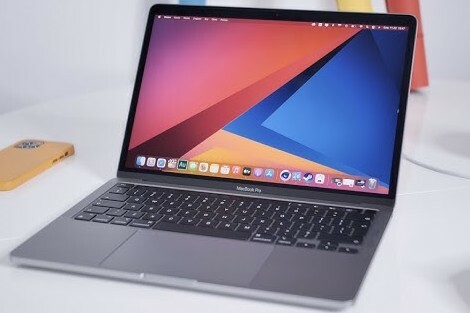
Where to Find Your MacBook's Production Date?
You can deduce your MacBook's production date from its serial number. Each series contains a code that indicates the production date. Online tools like Apple's official serial number check or other serial number decoding websites can help you find the exact production date.
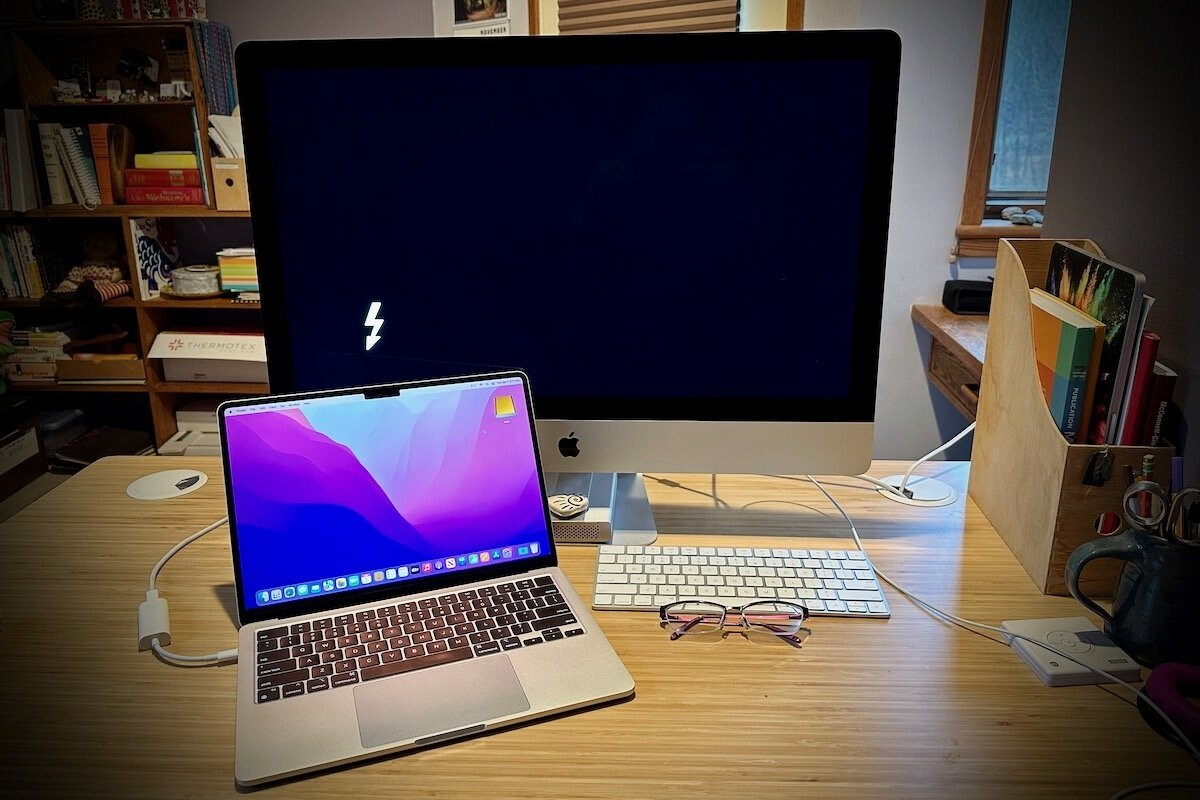
When Was Your MacBook Released?
In addition to the production date, you can also check your MacBook's model year via 'About This Mac'. The model is indicated there, for example: MacBook Pro (14-inch, 2023). This shows the year your specific model was introduced.
If you want to check the exact model year, you can compare the data with the official Apple MacBook line on the Apple Support website.
By checking your serial number and looking up the model year, you'll get a clear picture of how old your MacBook is and when it was released.
MacBook Advice


Refurbished MacBooks
Apple MacBook Pro (15 inch, 2018) - 2-Year Warranty
Apple MacBook Pro (15 inch, 2018) - 2-Year Warranty
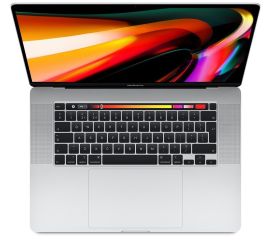
Apple MacBook Pro (15 inch, 2018) - 2-Year Warranty

Apple MacBook Pro (15 inch, 2017) - 2-Year Warranty
Apple MacBook Pro (15 inch, 2017) - 2-Year Warranty