
How old is my iPad?
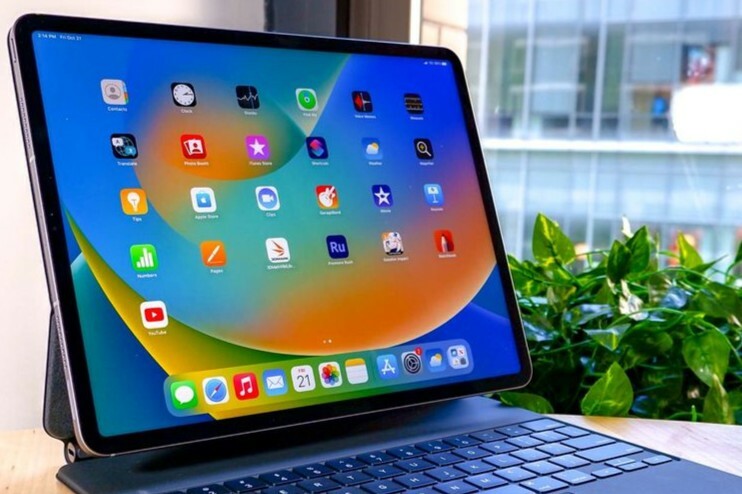
How do you check the age of your iPad?
To find out the age of your iPad, you can use the serial number. Follow these steps:
- Open the Settings app on your iPad.
- Go to General > About.
- Find the Serial Number.
- Go to the official Apple website for serial number check.
- Enter your serial number to view the production date and model year.
Refurbished iPads
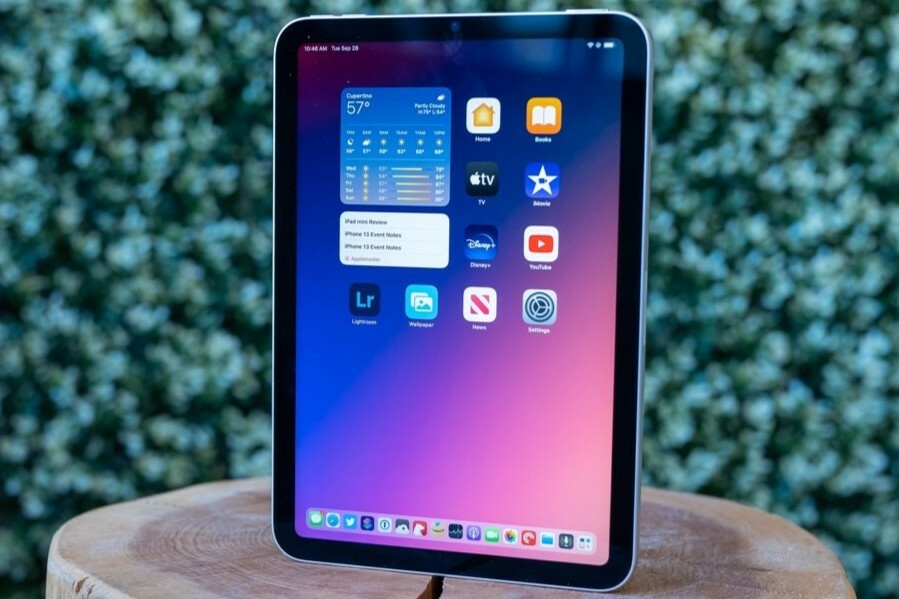
Where can you find the production date of your iPad?
You can deduce the production date of your iPad from the serial number. This number contains codes that provide information about the year and week of production. Online tools, such as Apple's serial number check, can help you determine the exact production date.
You will also often find the model year indicated on the 'About this iPad' page, for example: iPad (10th generation, 2022).

When was your iPad released?
The model year of your iPad indicates when the device was originally introduced. This is often stated in the name, for example iPad Air (2020) or iPad Pro (2021). You can check this via:
- The About this iPad page under Settings > General > About.
- On the Apple website in the list of iPad models.
By checking your serial number and model name, you will get a clear picture of how old your iPad is and when it was released.
iPad Advice


Refurbished iPads
Apple iPad 8 (2020) - 10.2 inch - 2 Year Warranty

Apple iPad Pro 6 (2022) - 12.9 inch - 2 Year Warranty

Apple iPad Pro 5 (2021) - 12.9 inch - 2 Year Warranty
_spacegrijs_1.jpg)
Apple iPad Pro 4 (2022) - 11 inch - 2 Year Warranty
Apple iPad Pro 4 (2022) - 11 inch - 2 Year Warranty
_zilver_1.jpg)