
How does Apple CarPlay work?
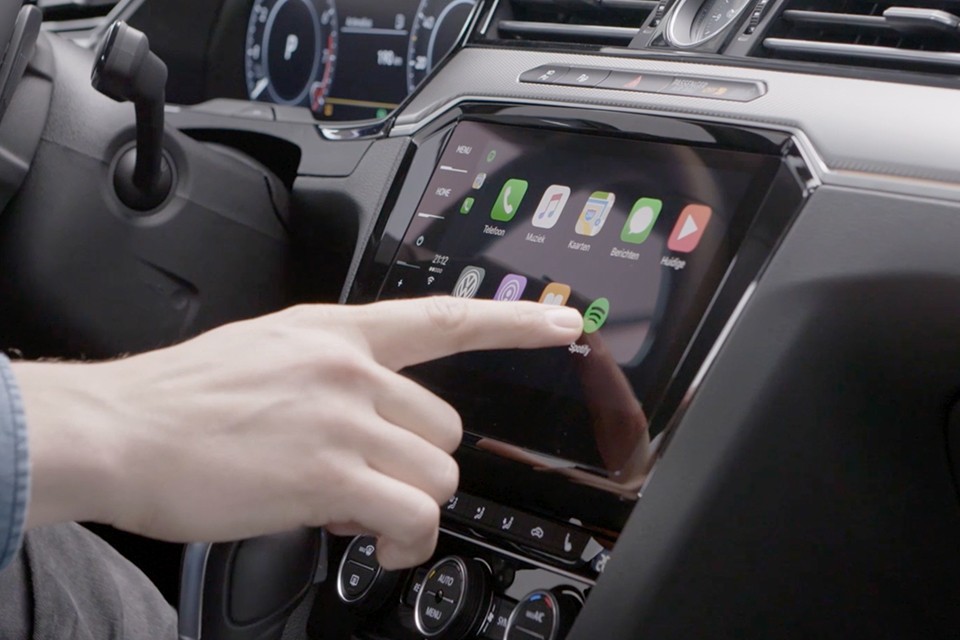
How do you connect Apple CarPlay to your car?
Apple CarPlay can be connected in two ways: wired (via a USB cable) or wirelessly (via Bluetooth and Wi-Fi). For a wired connection, connect your iPhone with an original Lightning cable to the USB port of your car. For a wireless connection, make sure Bluetooth and Wi-Fi are enabled on your iPhone. Then follow the instructions on your car's infotainment screen to complete the pairing. Once CarPlay is active, the CarPlay dashboard will appear on the screen and you can operate apps via the touchscreen or Siri.
Apple Advice
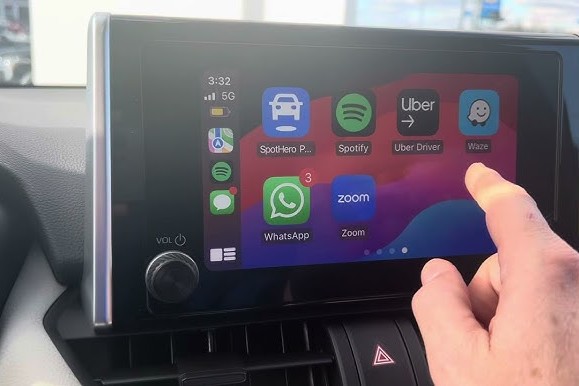
What should you do if Apple CarPlay doesn't work?
If Apple CarPlay is not working, you can troubleshoot some common problems with these steps:
- Check if your car is compatible with Apple CarPlay.
- Make sure your iPhone is up-to-date with the latest iOS version.
- Check if Bluetooth and Wi-Fi are enabled on your iPhone.
- Use an original and working Lightning cable for wired connections.
- Restart your iPhone and infotainment system.
- Go to Settings > General > CarPlay and check if your car is paired.
If these steps don't work, consult your car's manual or contact Apple Support.
Which cars support Apple CarPlay?
Apple CarPlay is supported by most modern car brands and models. Many car manufacturers offer CarPlay as standard in their latest infotainment systems, while others make it available as an optional extra. Some popular brands that support CarPlay are:
- BMW
- Mercedes-Benz
- Volkswagen
- Ford
- Audi
- Peugeot
If you're not sure if your car supports Apple CarPlay, you can check your vehicle's manual or the official Apple website.
Apple CarPlay offers a safe and convenient way to use your iPhone while driving. Whether you choose a wired or wireless connection, CarPlay seamlessly integrates with your car for navigation, music and communication.


The Best Refurbished iPhones

Apple iPhone 16 Pro Max - 512GB - 2 Year Warranty
Apple iPhone 16 Pro Max - 512GB - 2 Year Warranty
Apple iPhone 15 Plus - 512GB - 2 Year Warranty
Apple iPhone 16 Pro Max - 256GB - 2 Year Warranty

Apple iPhone 16 Pro Max - 256GB - 2 Year Warranty
