
Hoe zet je iPhone terug naar fabrieksinstellingen
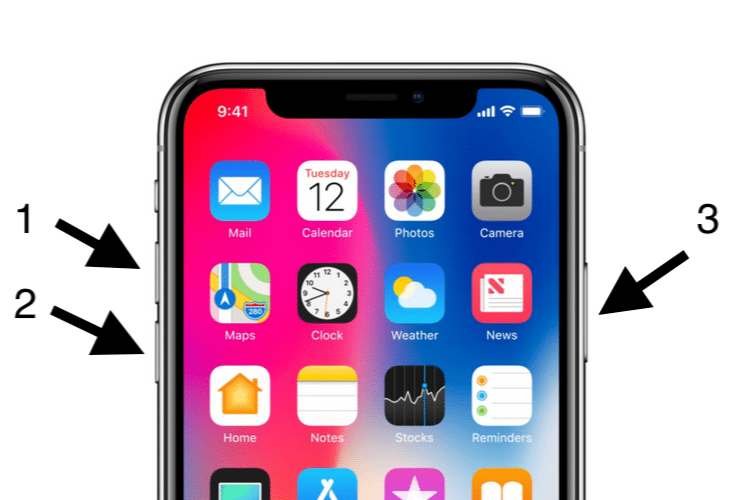
How do you completely reset your iPhone?
- Back up your data via iCloud or iTunes to avoid data loss.
- Go to Settings > General > Reset.
- Select 'Erase All Content and Settings'.
- Enter your passcode and Apple ID password to confirm the reset.
- The iPhone will restart and be reset to factory settings.
Refurbished iPhones
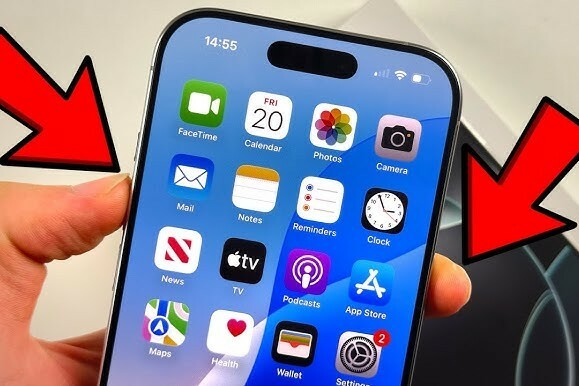
What happens during a factory reset?
A factory reset erases everything on your iPhone, including:
- Apps and their data.
- Photos, videos, and documents.
- Settings and saved passwords.
Your device will be returned to its original state as it was when purchased. Make sure you have created a backup before starting this process.
How do you back up before resetting?
To secure your data, you can create a backup via:
- iCloud: Go to Settings > [your name] > iCloud > iCloud Backup and tap 'Back Up Now'.
- iTunes: Connect your iPhone to a computer, open iTunes, and select 'Back Up Now'.
Conclusion: Resetting your iPhone to factory settings is easy, but make sure you back up to save important data.
iPhone Advice


Buy Refurbished iPhones
Condition: Matomas naudotas

Condition: Tvarkinga būklė
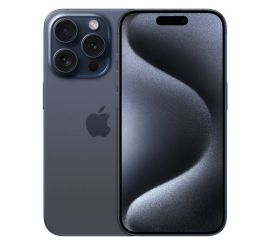
Apple iPhone 15 Pro - 128GB - 2 Year Warranty
6.1 inch - 15_zwart_titanium
Old Price €848.75 €679.00 No VAT

Condition: Tvarkinga būklė
Apple iPhone 16 Pro Max - 256GB - 2 Year Warranty
16_desert_titanium
Old Price €1,298.75 €1,039.00 €1,039.00
Condition: Tvarkinga būklė
Condition: Tvarkinga būklė
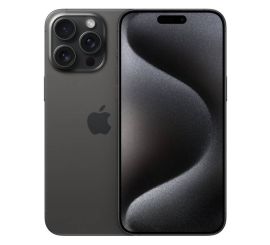
Apple iPhone 15 Pro Max - 256GB - 2 Year Warranty
6.7 inch - 15_zwart_titanium
Old Price €1,073.75 €859.00 €859.00
Condition: Tvarkinga būklė
Apple iPhone 15 Pro - 256GB - 2 Year Warranty
6.1 inch - 15_zwart_titanium
Old Price €956.25 €765.00 No VAT