
Hoe werkt apple tv
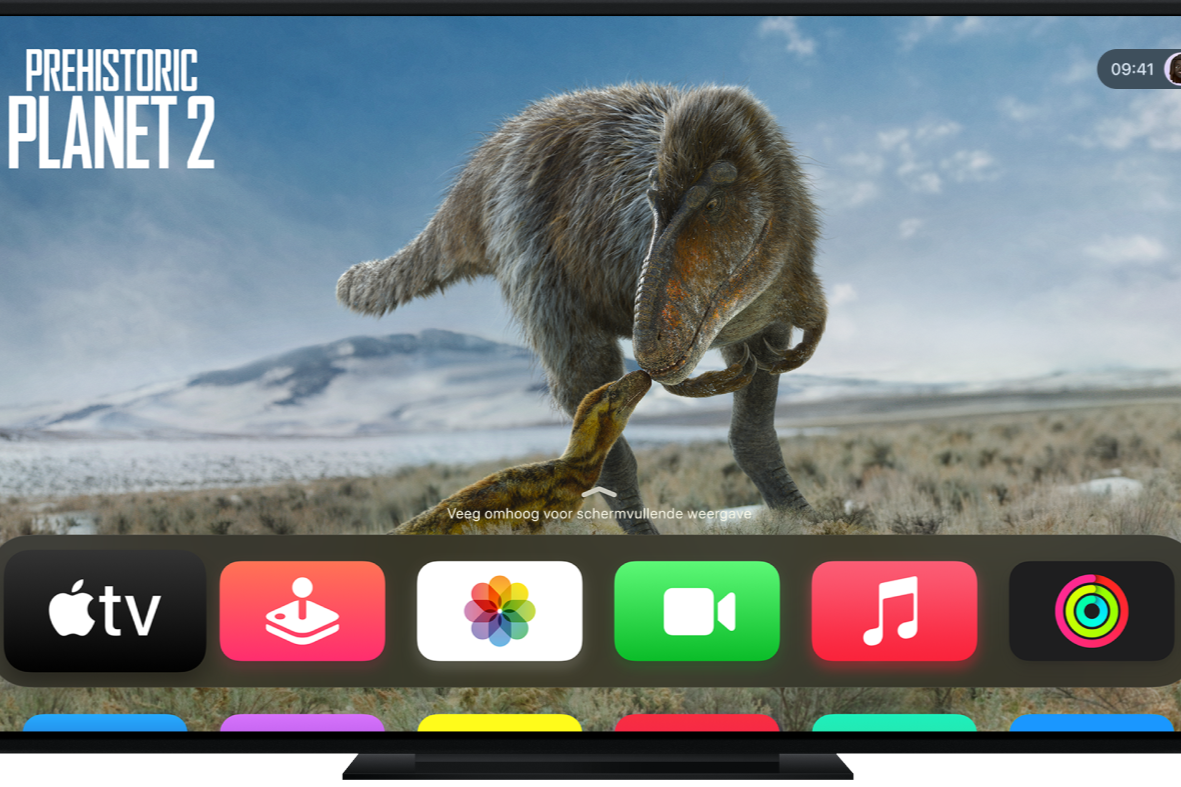
How to set up Apple TV?
Setting up an Apple TV is easy and can be done in a few steps. Connect your Apple TV or Apple TV 4K to your TV with an HDMI cable and plug it into the power outlet. Turn on your TV and select the correct HDMI channel. Then follow the on-screen steps:
- Select your language and region.
- Log in with your Apple ID.
- Connect your Apple TV to a Wi-Fi network.
- Set up services such as Apple TV+ or other streaming apps.
Once everything is set up, you have access to your favorite apps, movies, and series directly from the Apple TV menu.
/apple/products
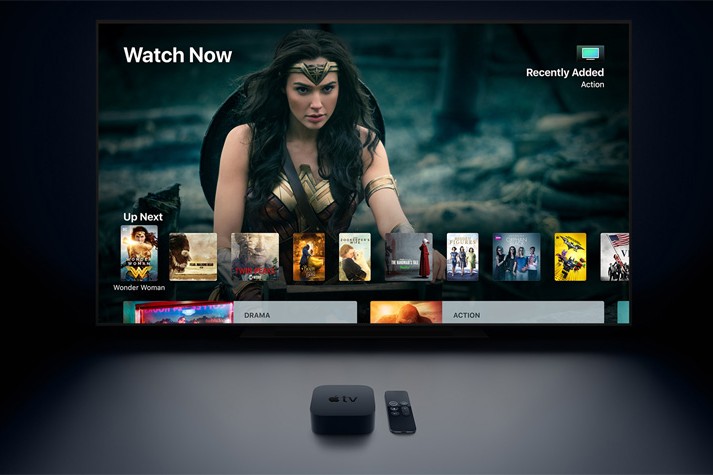
What are the features of Apple TV+?
Apple TV+ is a subscription service that offers exclusive movies, series, and documentaries. Some key features are:
- Exclusive content: Access to Apple Originals such as *Ted Lasso*, *The Morning Show*, and *Foundation*.
- High image quality: Support for 4K HDR and Dolby Vision.
- Spatial audio: Dolby Atmos for an immersive sound experience.
- Family sharing: Share your subscription with up to six family members.
- Offline viewing: Download content to watch later without an internet connection.
Apple TV+ is accessible via the Apple TV app on Apple devices, smart TVs, and other streaming devices.
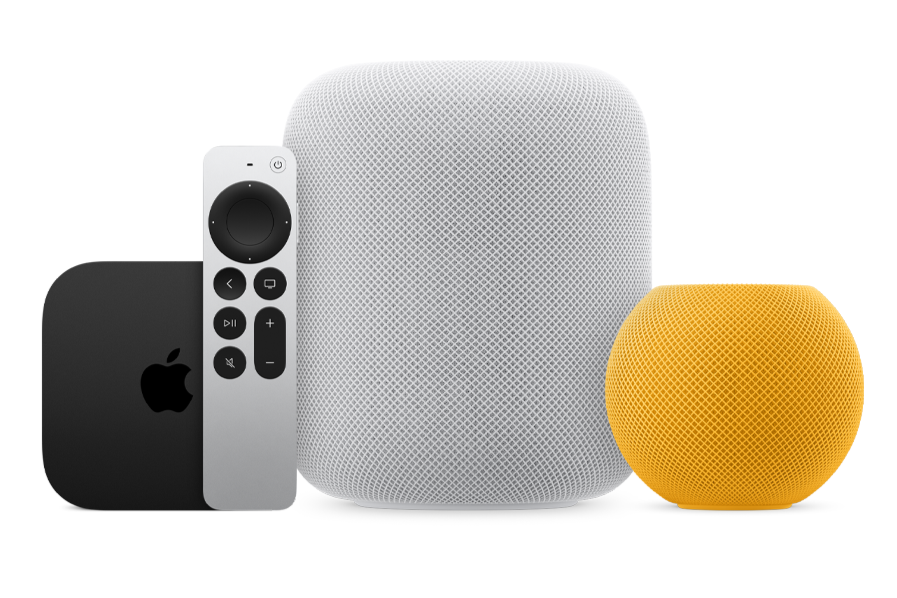
How do you stream content via Apple TV?
With Apple TV you can easily stream content from your iPhone, iPad or Mac using AirPlay. You do this as follows:
- Open the desired app or video on your iPhone, iPad or Mac.
- Press the AirPlay icon (a screen with a triangle).
- Select your Apple TV from the list of available devices.
- The content will be played directly on your TV via Apple TV.
You can also open streaming apps such as Netflix, Disney+ and Apple TV+ directly via the Apple TV menu. With the Siri Remote you can search for specific titles or genres with voice commands.
Whether you want to watch a new movie, binge-watch a series or stream your own content, Apple TV offers a versatile entertainment experience that is easy to use.
Apple Advice


Refurbished iPads for media consumption
Apple iPad 8 (2020) - 10.2 inch - 2 Year Warranty

Apple iPad Pro 6 (2022) - 12.9 inch - 2 Year Warranty

Apple iPad Pro 5 (2021) - 12.9 inch - 2 Year Warranty
_spacegrijs_1.jpg)
Apple iPad Pro 4 (2022) - 11 inch - 2 Year Warranty
Apple iPad Pro 4 (2022) - 11 inch - 2 Year Warranty
_zilver_1.jpg)