
Hoe bel je anoniem via je iPhone
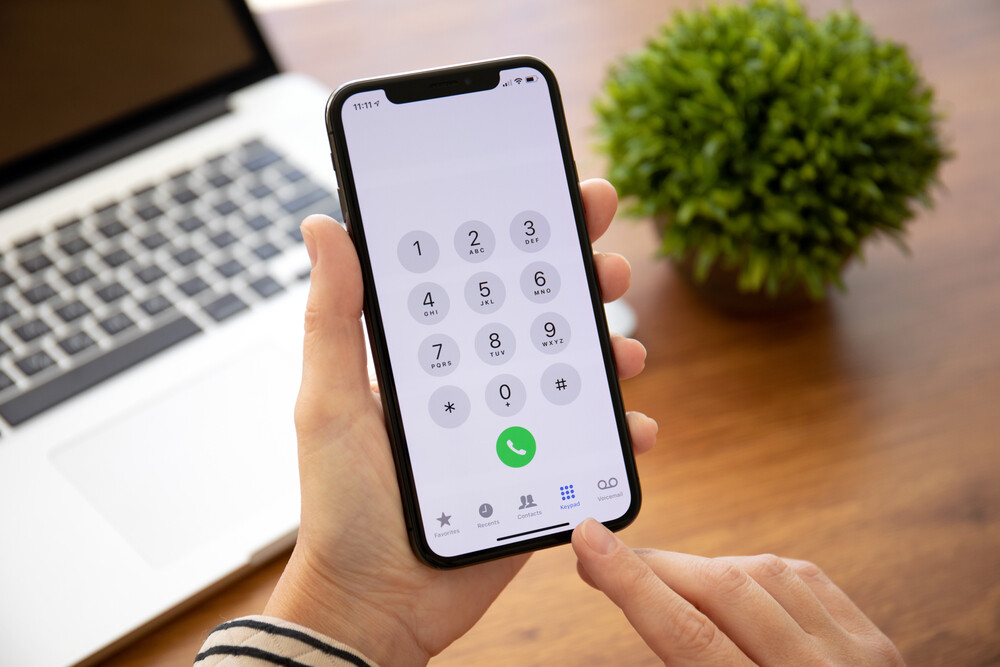
How to enable anonymous calls?
To hide your number by default for all calls:
- Go to Settings on your iPhone.
- Select Phone.
- Choose 'Show My Number' and turn the switch off.
Your number will no longer be displayed to the recipient of your calls.
Refurbished iPhones
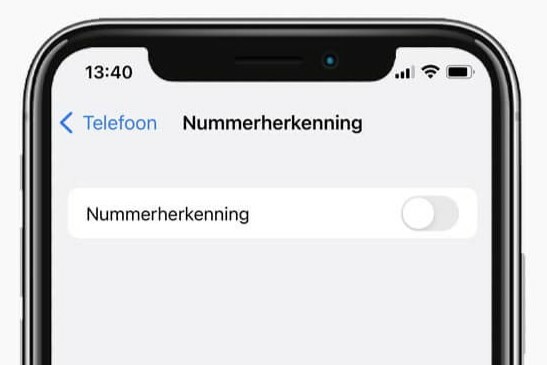
Can you make anonymous calls per call?
If you only want to make one anonymous call, you can do this without changing the settings:
- Enter #31# before the phone number you want to call. For example: #31#0612345678.
- Press call. Your number will be hidden for that call.
Why doesn't anonymous calling sometimes work?
Anonymous calling may not work if the recipient uses apps or services that block anonymous calls. In some cases, the telephone provider may restrict or completely disable the option.
Conclusion: You can make anonymous calls via your iPhone by turning off 'Show My Number' or using #31# for individual calls. Check your provider's settings if anonymous calling doesn't work.
iPhone Advice


Refurbished iPhones
ReMarkt's Choice
Condition: Matomas naudotas
Apple iPhone SE 3 - 64GB - 2 Year Warranty
4.7 inch - se_3_middernacht
Old Price €292.93 €234.34 €193.67

Condition: Tvarkinga būklė
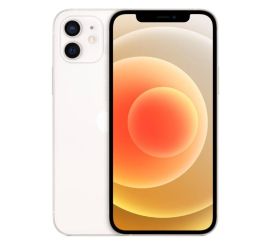
Condition: Tvarkinga būklė
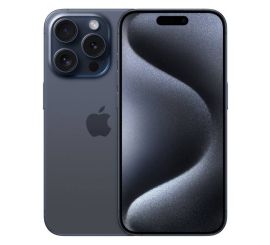
Condition: Matomas naudotas
Apple iPhone 15 Pro - 128GB - 2 Year Warranty
6.1 inch - 15_blauw_titanium
Old Price €806.25 €645.00 €533.06

Condition: Matomas naudotas

Condition: Tvarkinga būklė
Apple iPhone 11 Pro Max - 64GB - 2 Year Warranty
6.5 inch - 11_middernachtgroen
Old Price €343.75 €275.00 €275.00