
Can you connect AirPods to a Samsung phone?
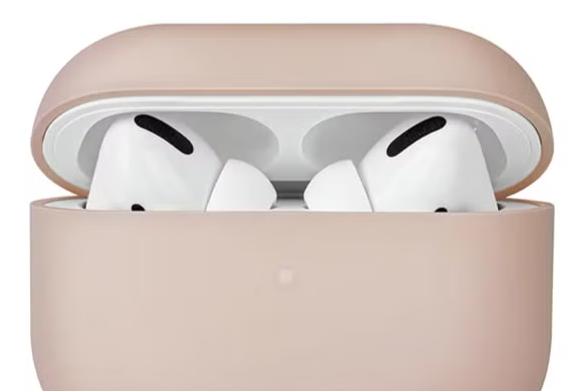
Do AirPods work with Samsung devices?
Yes, AirPods can be connected to Samsung devices and other Android devices. Although AirPods are designed for optimal performance within the Apple ecosystem, they also work well with Samsung smartphones and tablets via Bluetooth. However, you will miss some exclusive features, such as automatic device detection, Siri integration, and dynamic head tracking for spatial audio.
Buy an iPhone?
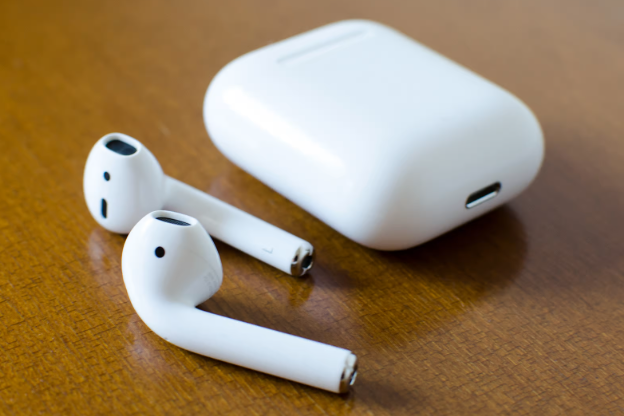
How do you connect AirPods to Samsung?
You can easily connect your AirPods to a Samsung device by following these steps:
- Open the Bluetooth settings on your Samsung device.
- Place your AirPods in the charging case and open the lid.
- Press and hold the setup button on the back of the case until the status light flashes white.
- Select your AirPods from the list of available Bluetooth devices on your Samsung device.
- Confirm the connection if prompted.
Your AirPods are now connected to your Samsung device and ready to use.
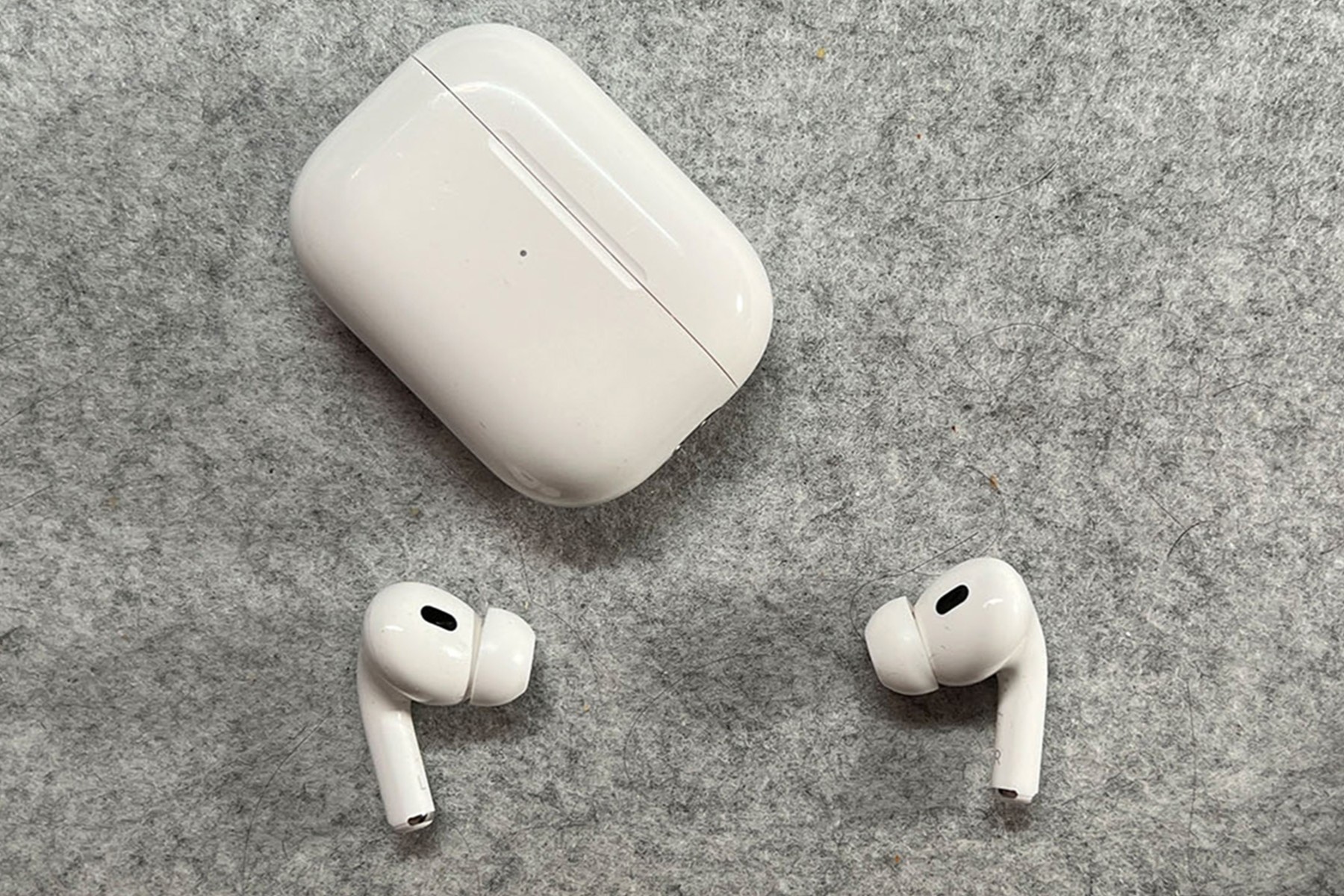
What are the limitations of a Samsung connection?
Although your AirPods work well with Samsung devices, there are some features you cannot use outside the Apple ecosystem:
- No Siri support: You cannot use the Siri voice assistant on a Samsung device.
- No automatic device detection: The AirPods do not automatically switch between devices.
- Limited battery status: You may not see detailed battery status of your AirPods on your Samsung device.
- No spatial audio (Spatial Audio): This feature is only available on Apple devices.
Despite these limitations, AirPods still offer excellent sound quality and a stable Bluetooth connection on Samsung devices. When buying AirPods, it is good to consider which features are essential to you.
Apple Advice

